Routine verification for distribution boards
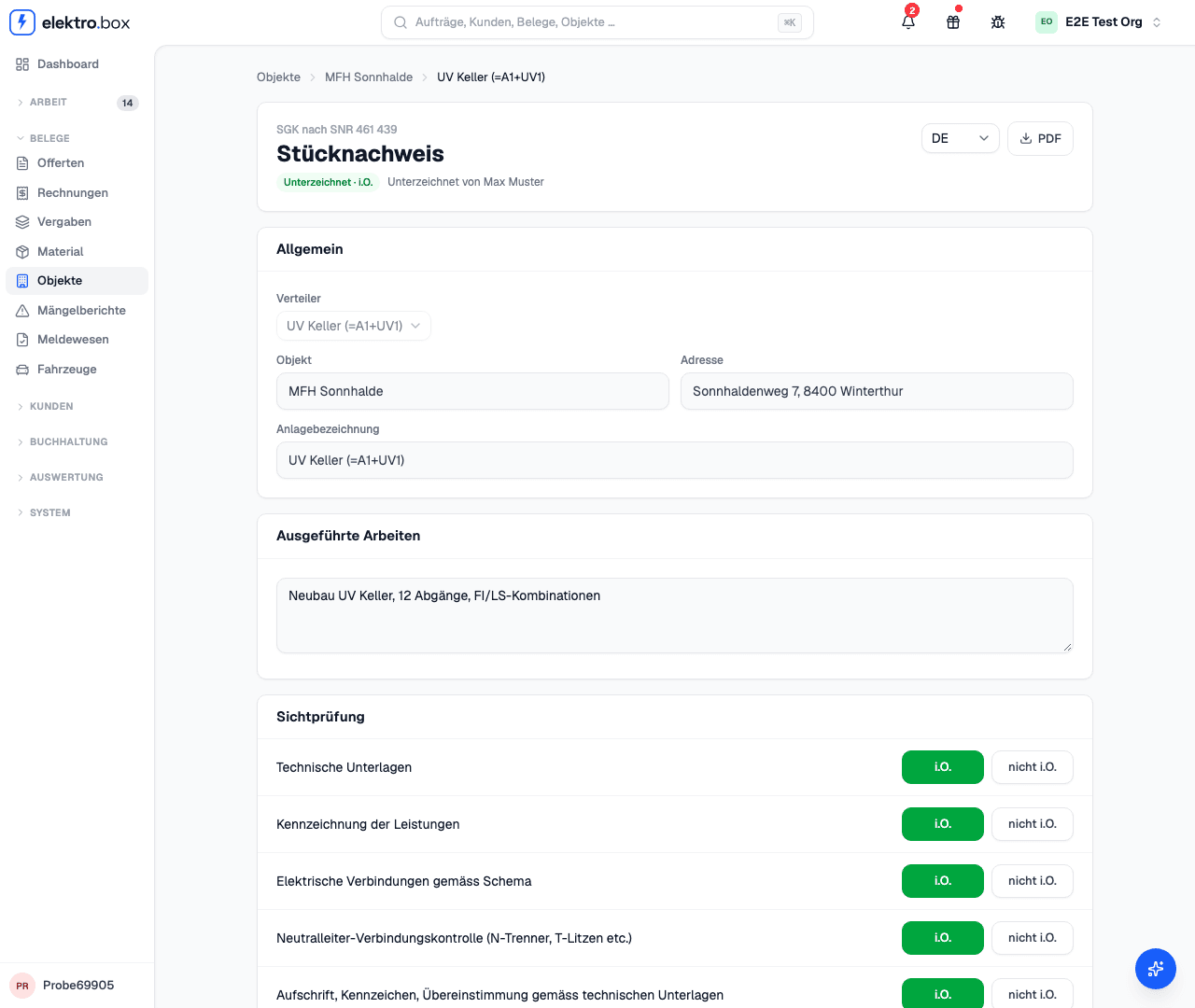
Fill in the routine verification to SNR 461 439 right at the installation, answer the check points and sign on the tablet; the PDF comes in four languages.
Read moreWhat's new
New features and improvements, each with a picture and a short explanation — newest first.
Fill in the routine verification to SNR 461 439 right at the installation, answer the check points and sign on the tablet; the PDF comes in four languages.
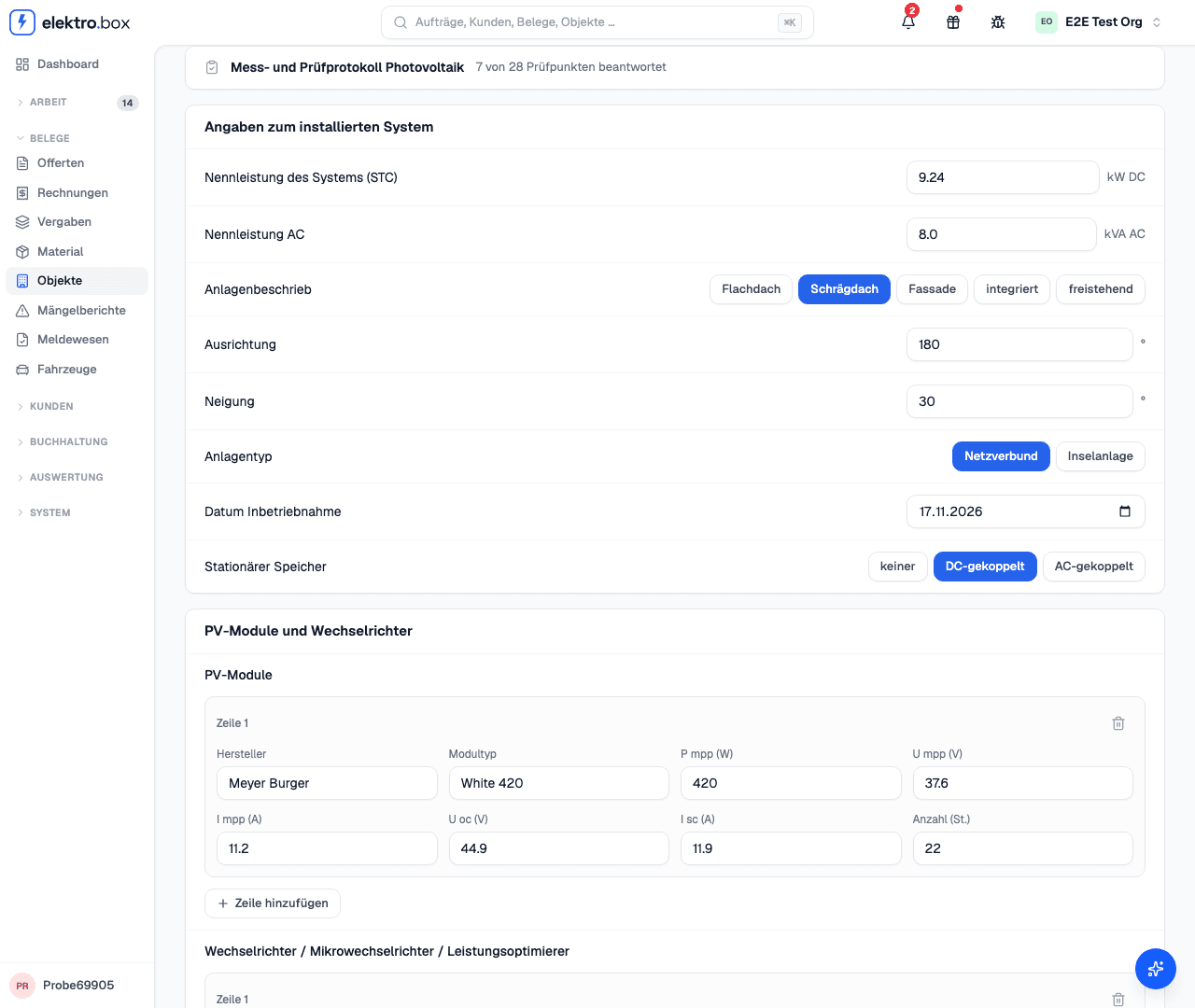
Read moreAlongside the measurement and test protocol under the NIV, you can now fill in the protocols for photovoltaics, charging stations and the water heater initial check right in the app, on your phone as at your desk, and print them as a PDF.
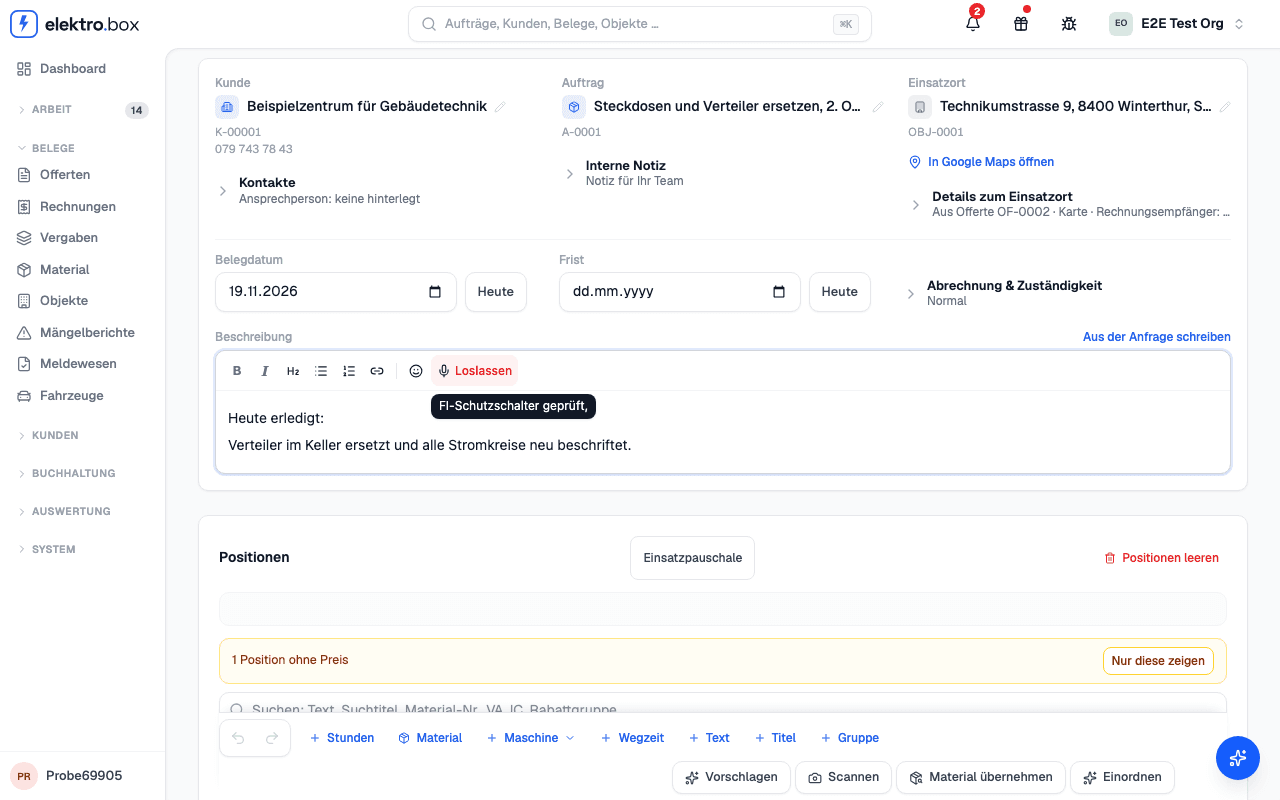
Read moreIn a work report you can now dictate the description and the positions, and in an order the notes. Hold the microphone, speak and let go.
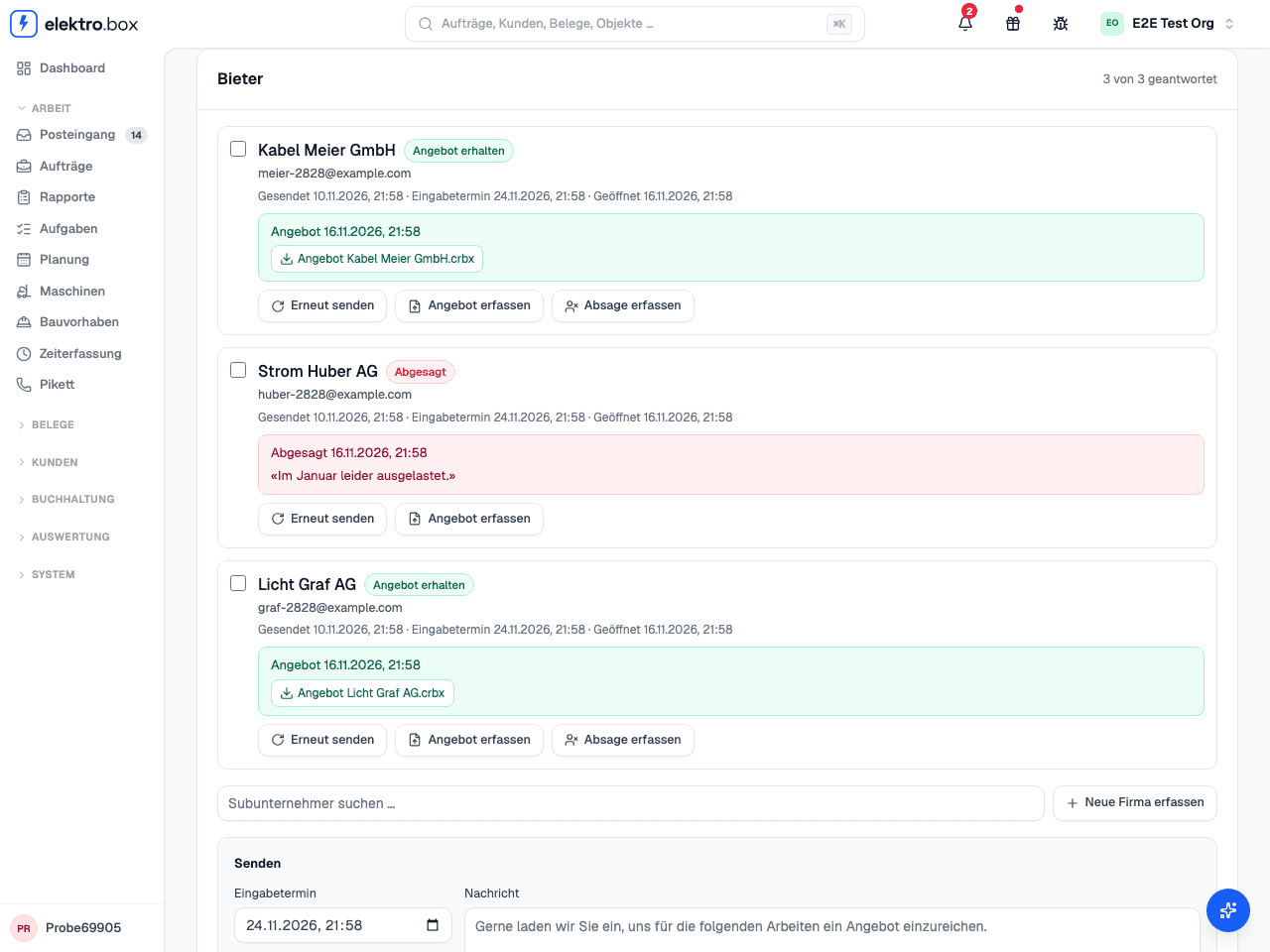
Read moreUnder «Contract awards» you put work out to subcontractors – started blank or with positions from your quote. Each firm gets an email with a link and the documents as a PDF, CRBX or Steiger file.
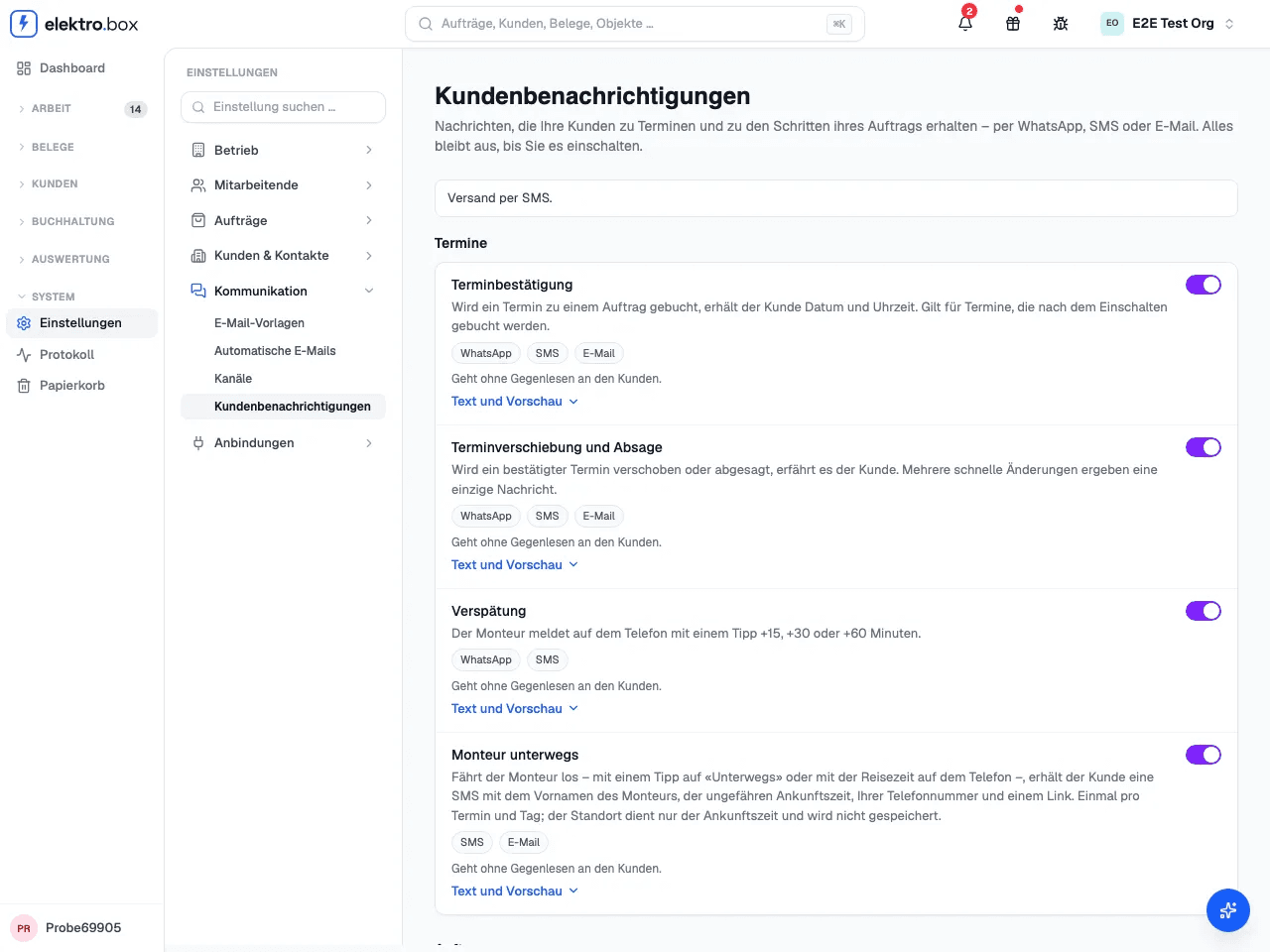
Read moreYour customers now get the appointment confirmation, a change and a delay by SMS. When the technician sets off, they learn the approximate arrival time. Everything stays off until you switch it on.
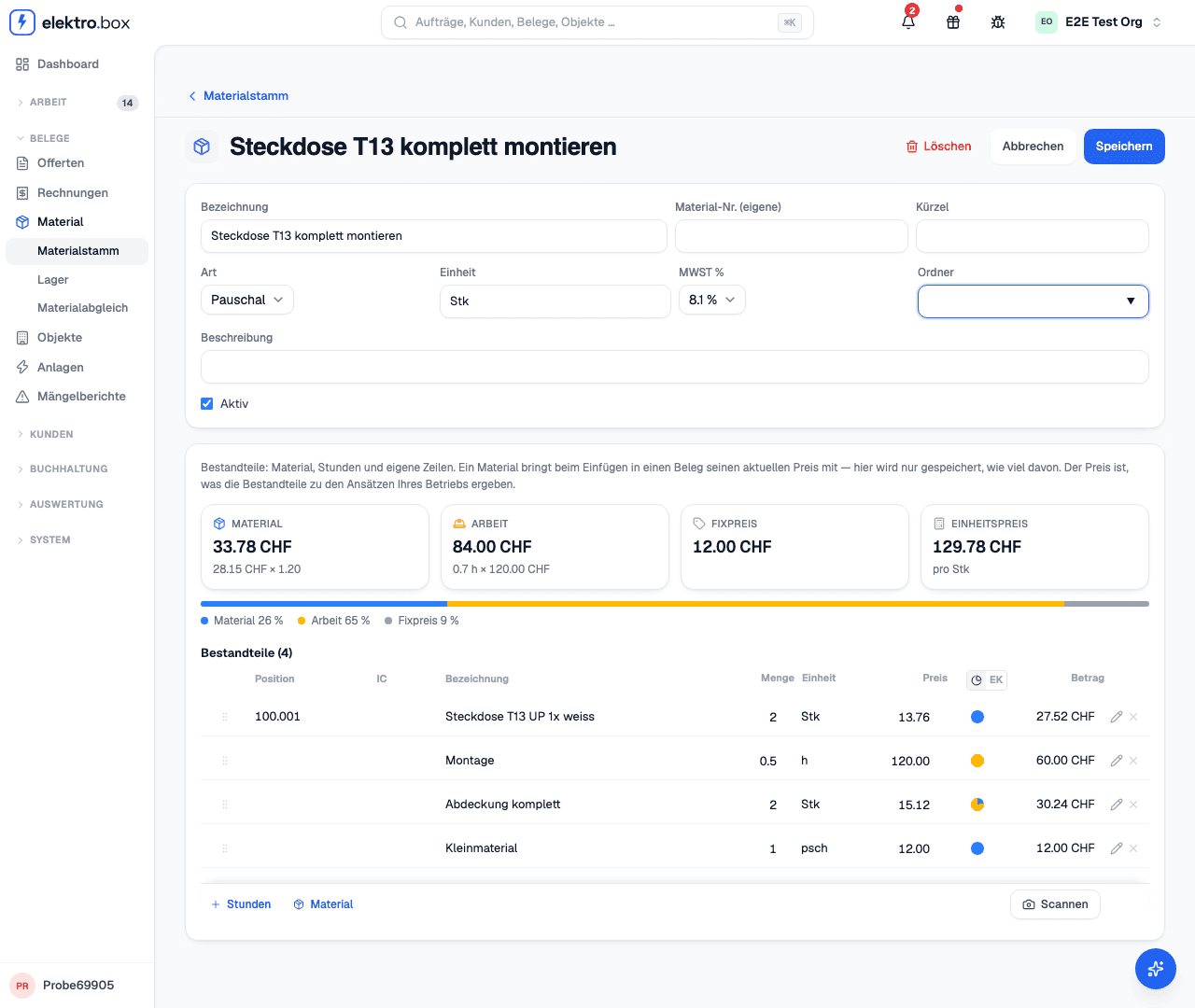
Read moreA material can now have components – material, hours and other material. You edit it in the same editor as the positions of your quote and insert it as one position.
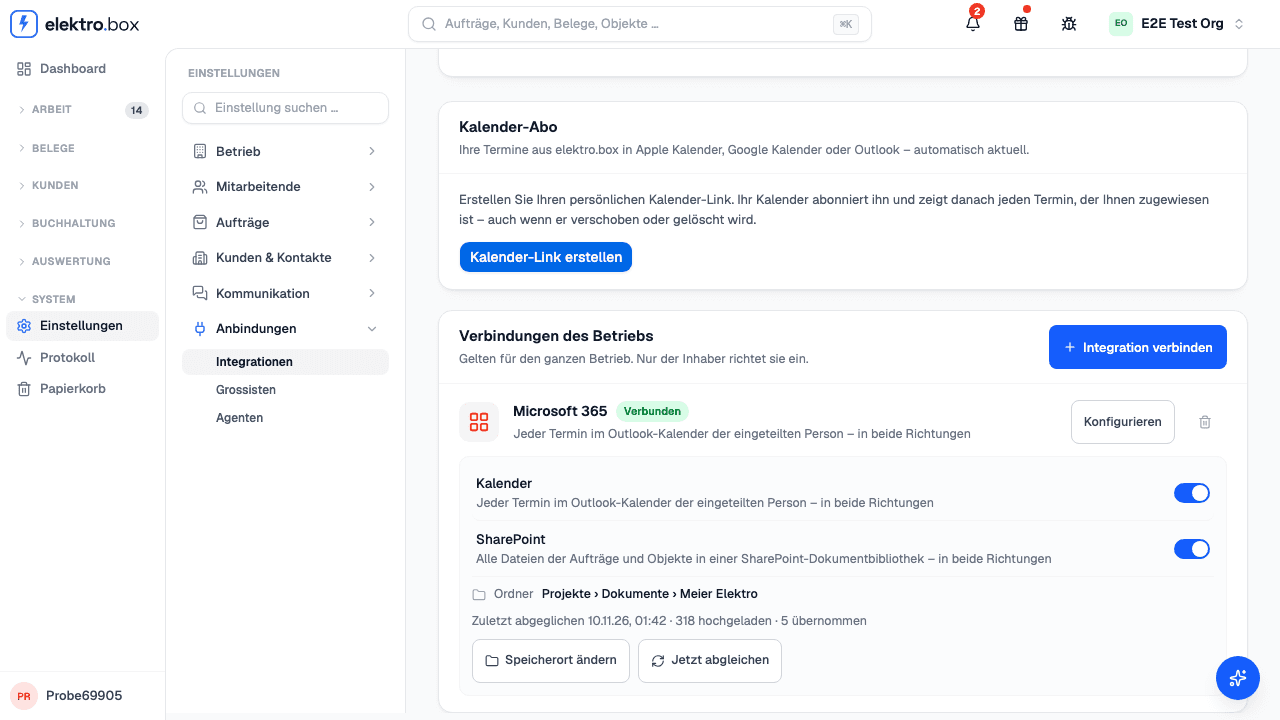
Read moreIf you wish, the files of all orders and properties live in a SharePoint document library of your company – what you put there appears on the order, and the other way round.
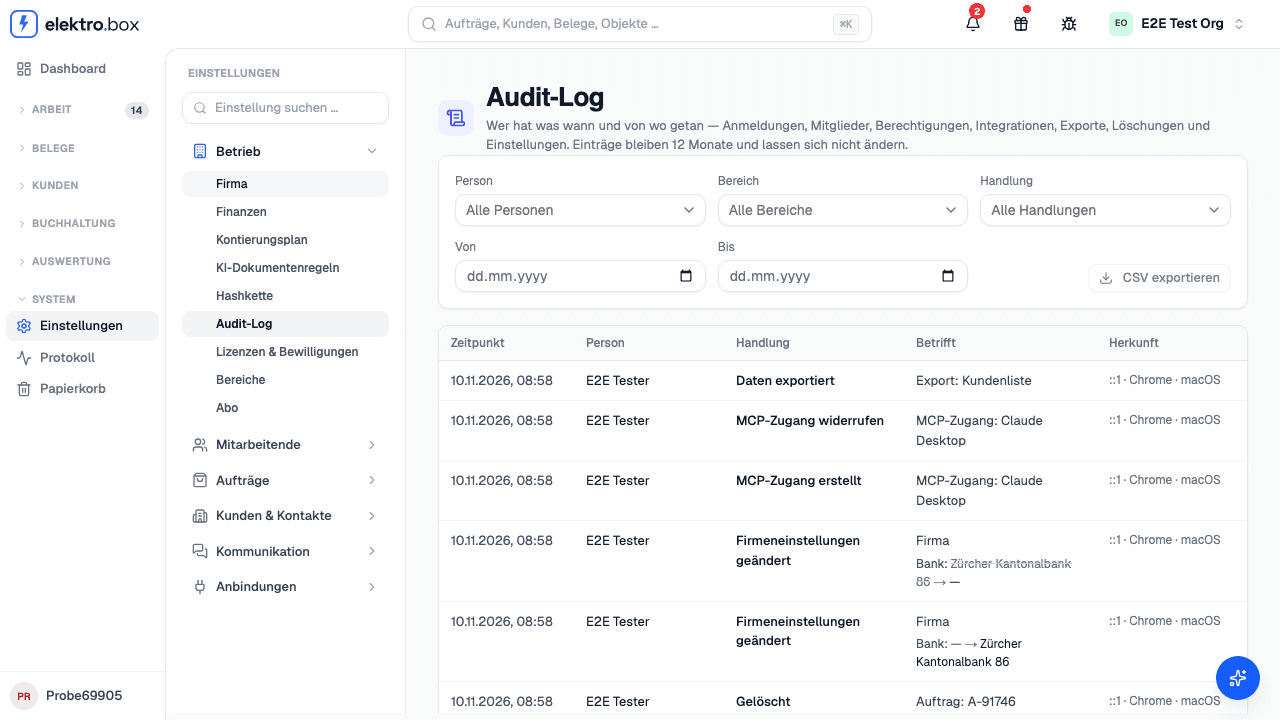
Read moreUnder Settings › Audit log, as the owner you see who signed in, invited or removed people, changed roles and company settings, exported data or deleted orders, customers and documents – with the time, the IP address and the values that changed.
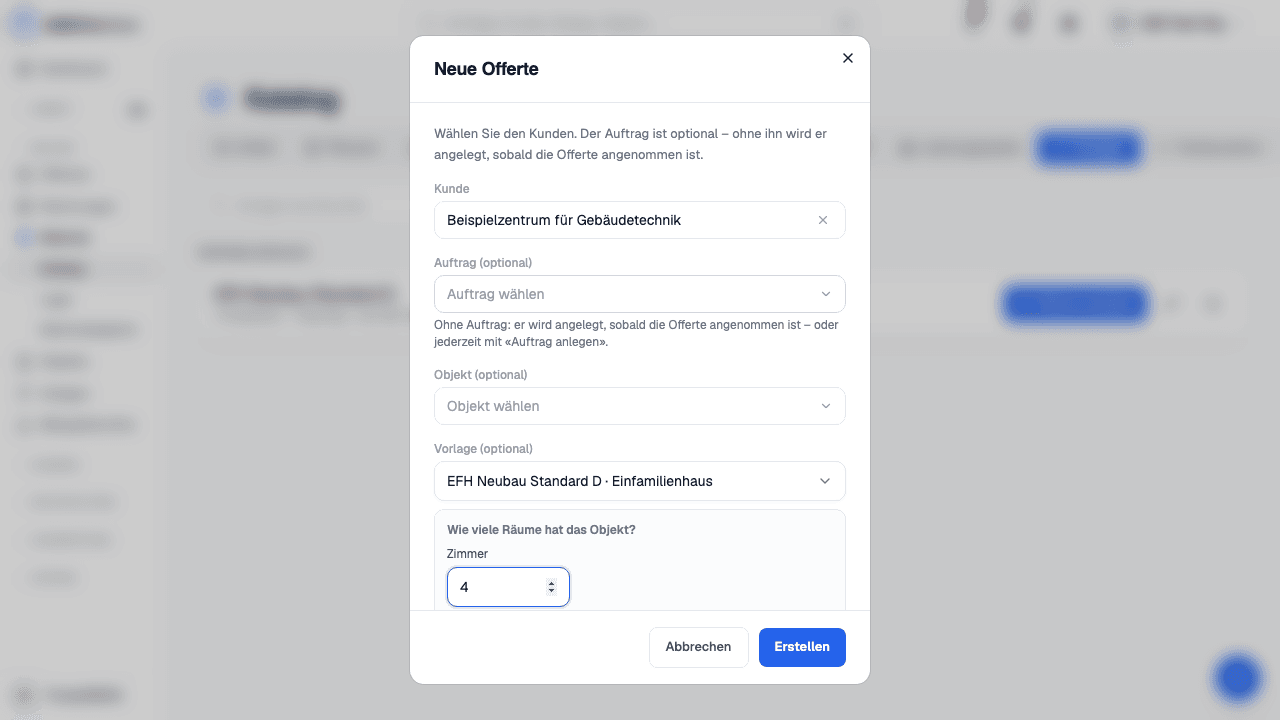
Read moreSave a quote as a template – single-family house, apartment building, service – and start the next one from it, at today's catalogue prices.
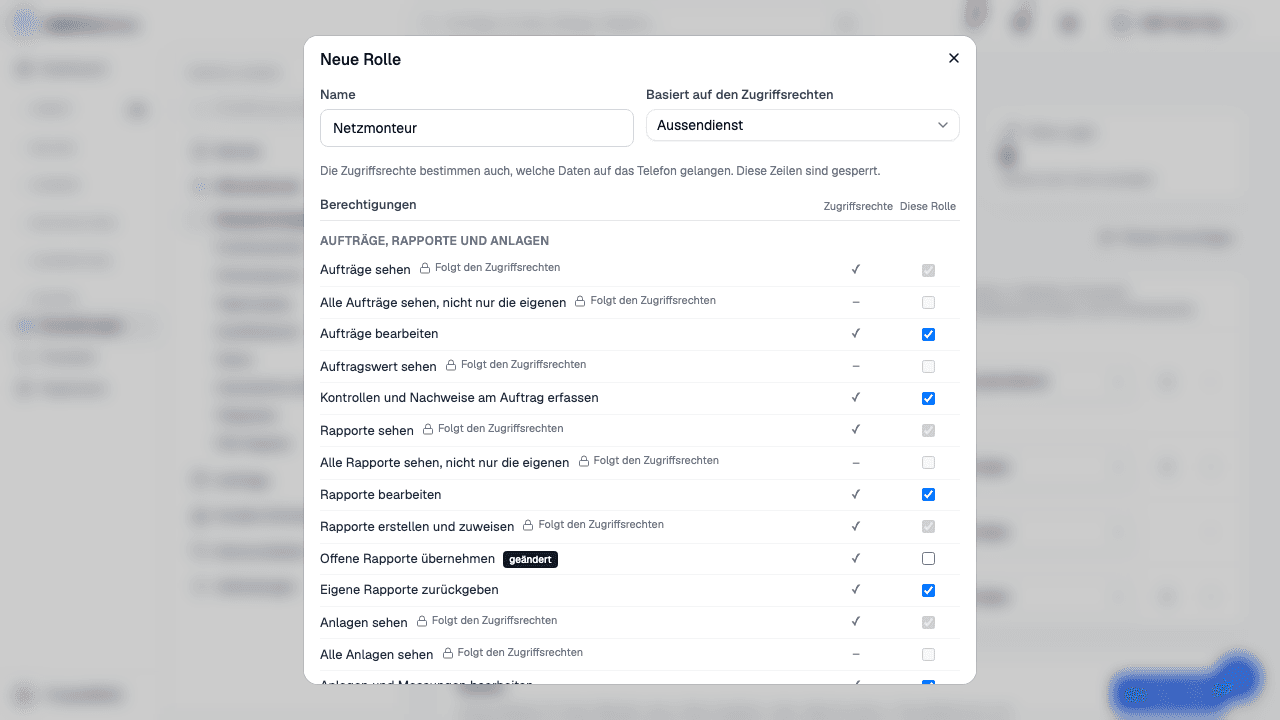
Read moreUnder Settings › People & access rights you create roles such as “Service manager” or “Network fitter” – built on an access level, with single permissions added or removed.
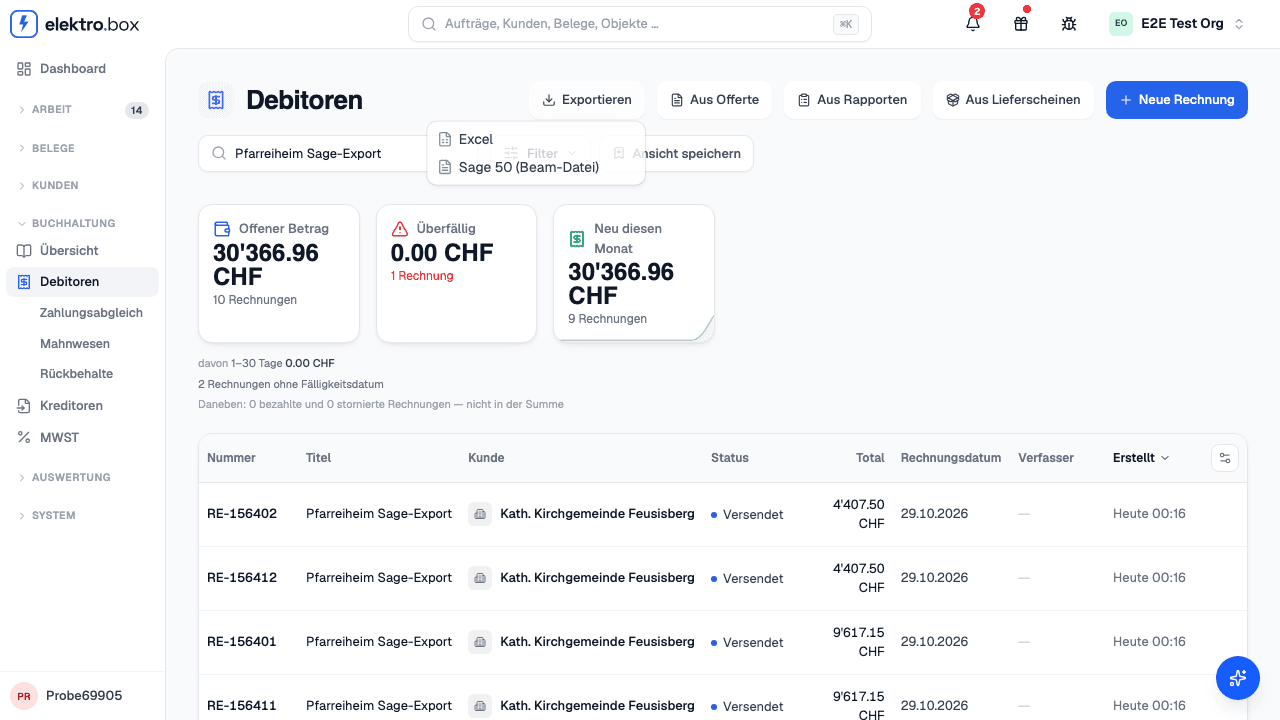
Read moreUnder Receivables › «Export» you hand your invoices over as a file for Sage 50, Abacus or Excel.
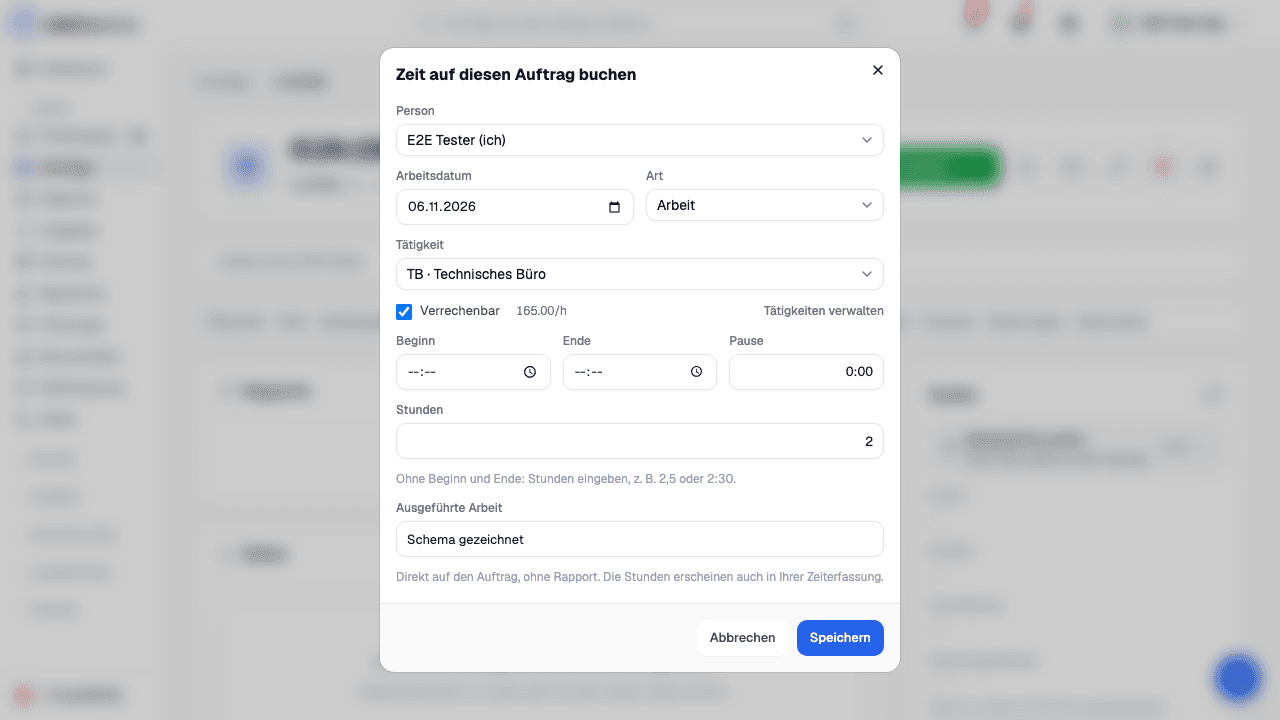
Read moreUnder Settings › Work types, set up your own work types such as «Administration» or «Technical office», each with a code, its own hourly rate and whether it is billable, and choose one when you record time on a job; when the hours are pulled onto the Rapport, each work type gets its own line at its rate.
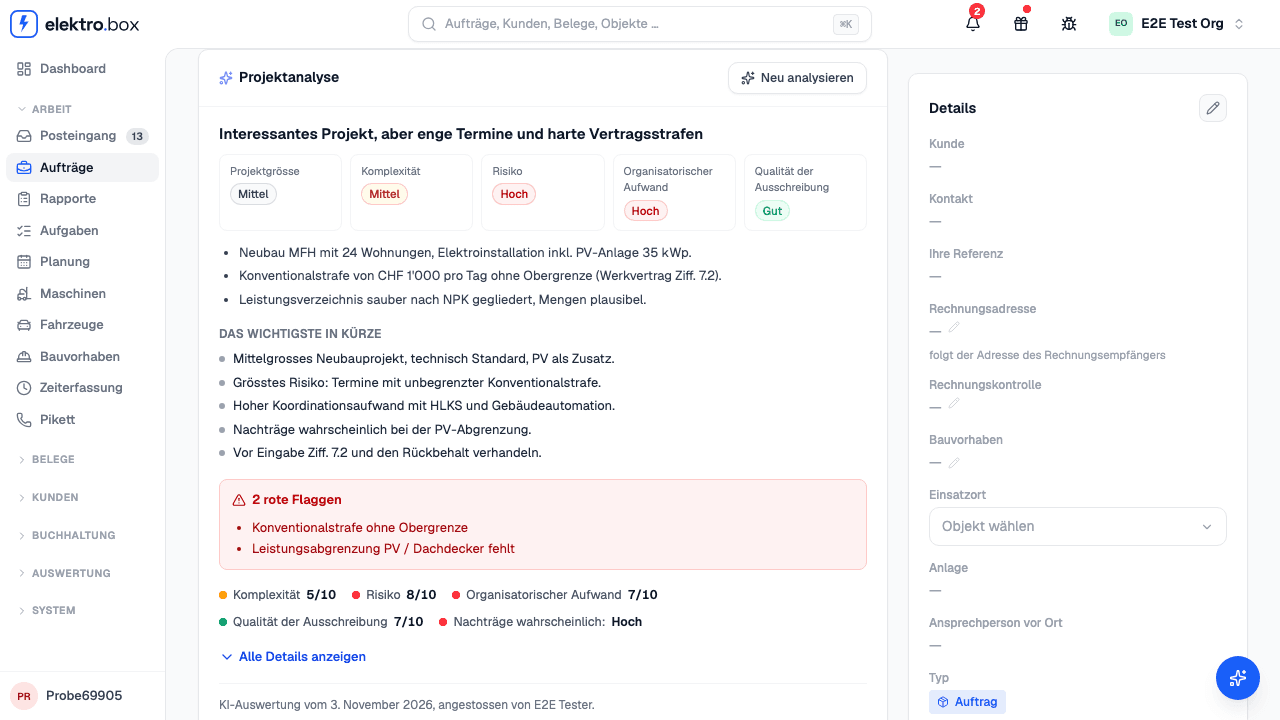
Read moreThe assistant reads a job's contract for work, terms of contract, bill of quantities and construction description and sums up what matters, with a risk analysis.
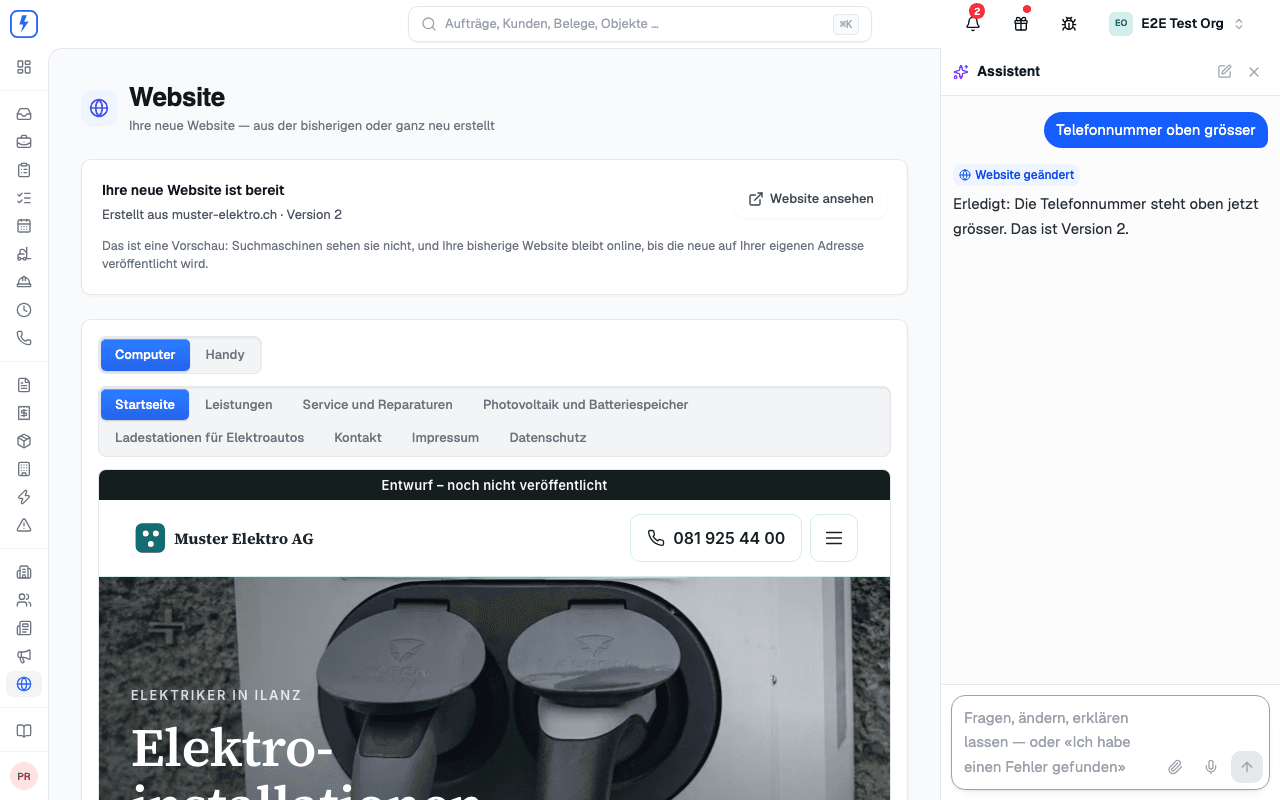
Read moreThe assistant builds a new website from your current one – or from nothing at all: one page per service, your photos, your logo, live on your own domain.
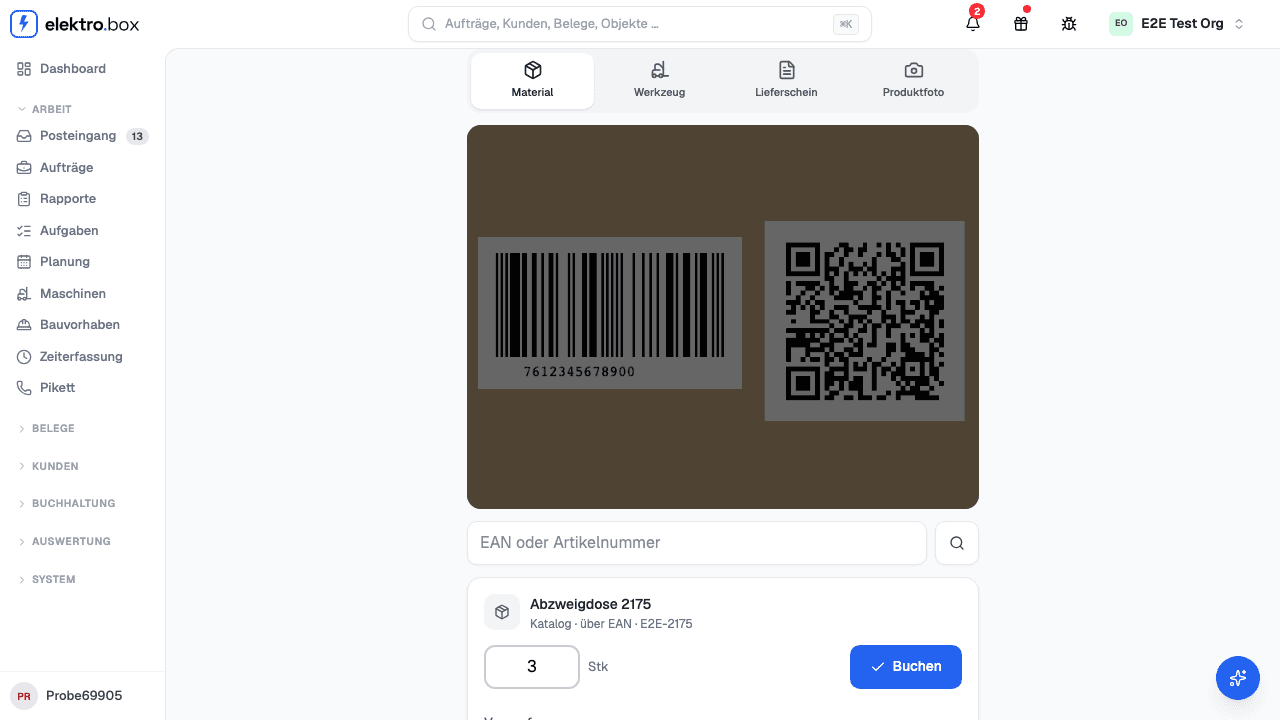
Read moreRecord material, machines, delivery notes and products with your phone's camera – straight onto today's order or work report.
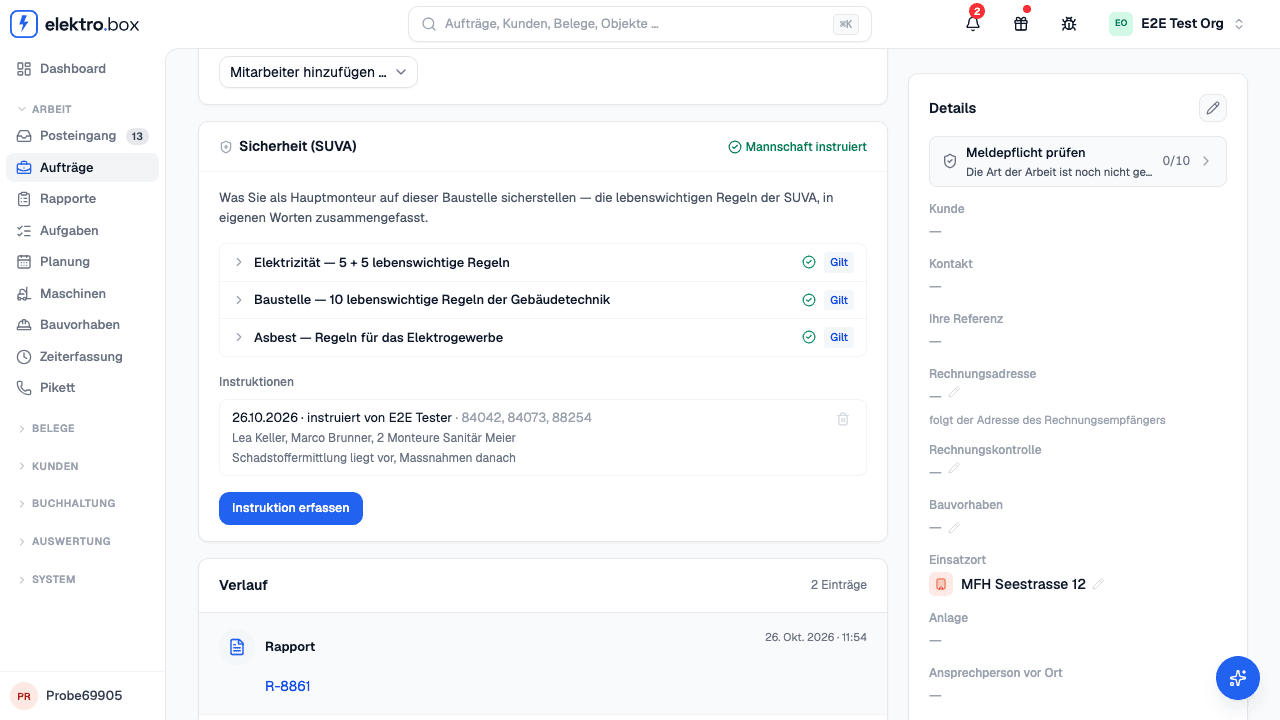
Read moreThe lead technician sees which of SUVA's vital rules apply on his site, and records the crew's safety briefing.
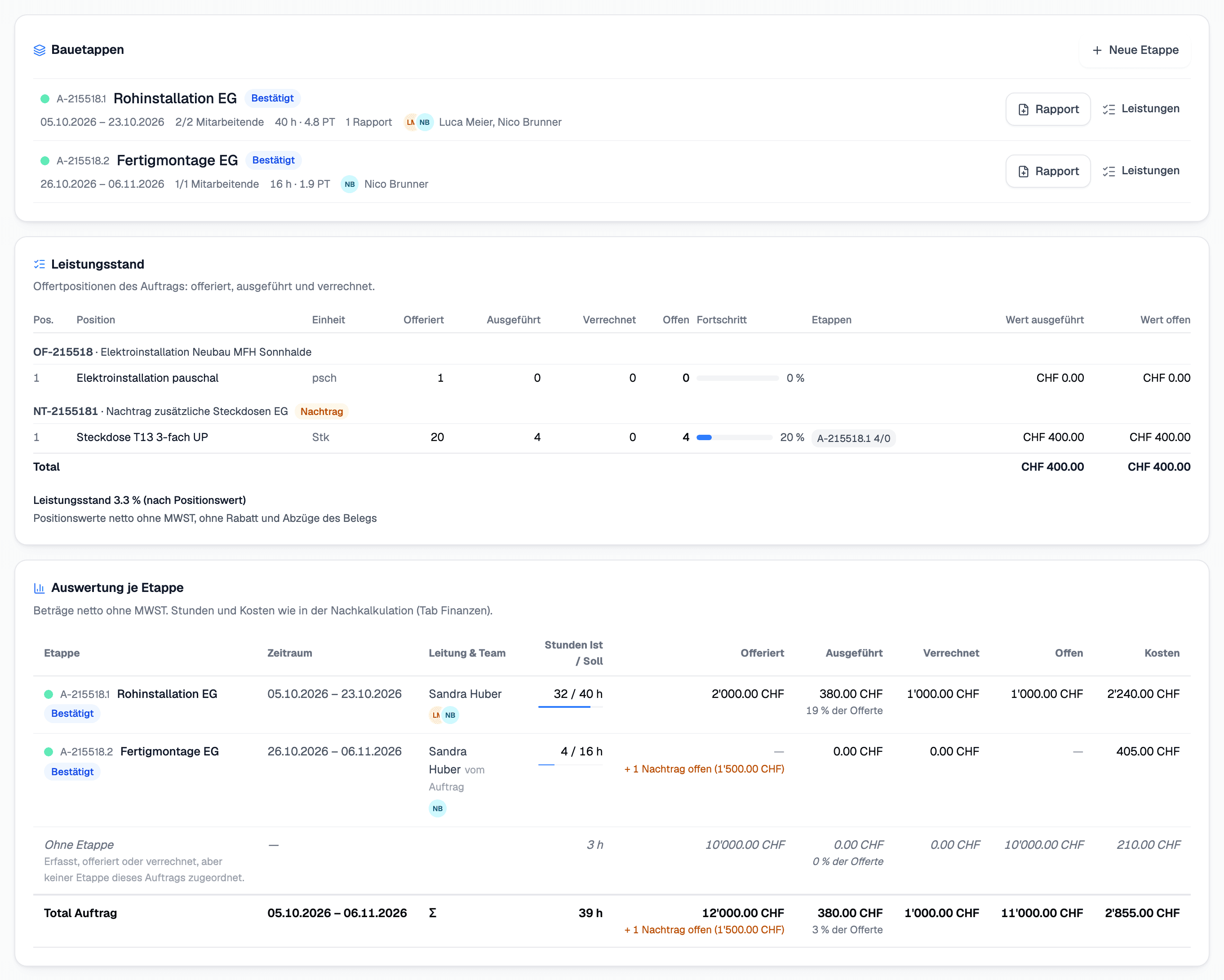
Read moreSplit an order into construction phases such as A-50013.1 – with their own project lead and team, Rapporte created straight from the phase, and an evaluation of hours, material, quote, work progress and open amount per phase.
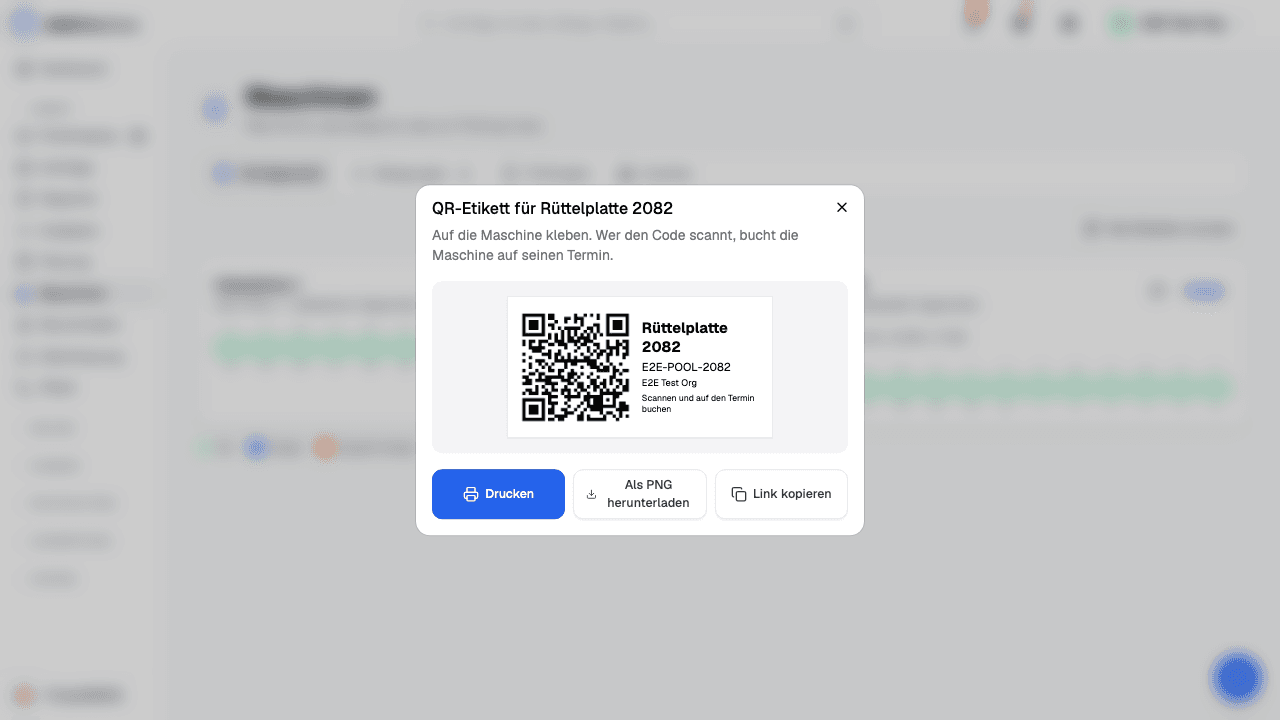
Read moreEvery machine gets a QR label – on site, the electrician scans the code and books the machine onto their appointment with one tap.
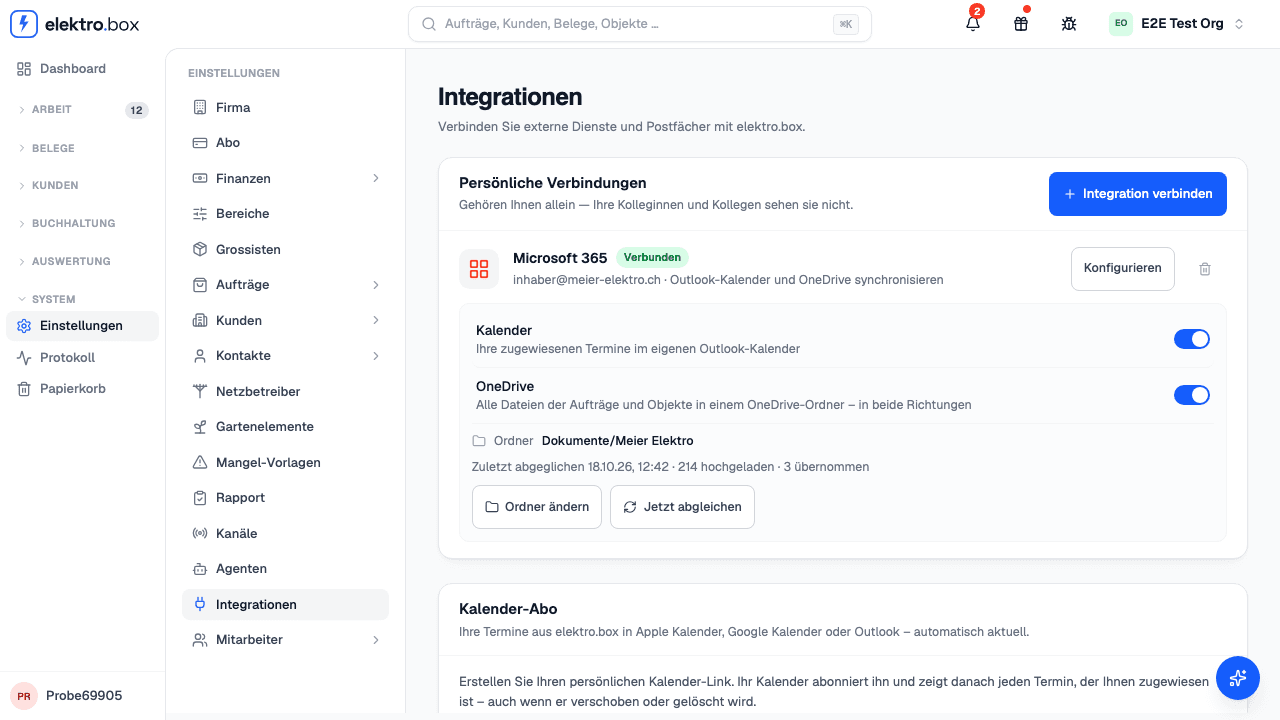
Read moreConnect Microsoft 365 and choose a folder – elektro.box puts every photo, plan and document of your orders and properties there, and takes in what you add in OneDrive.
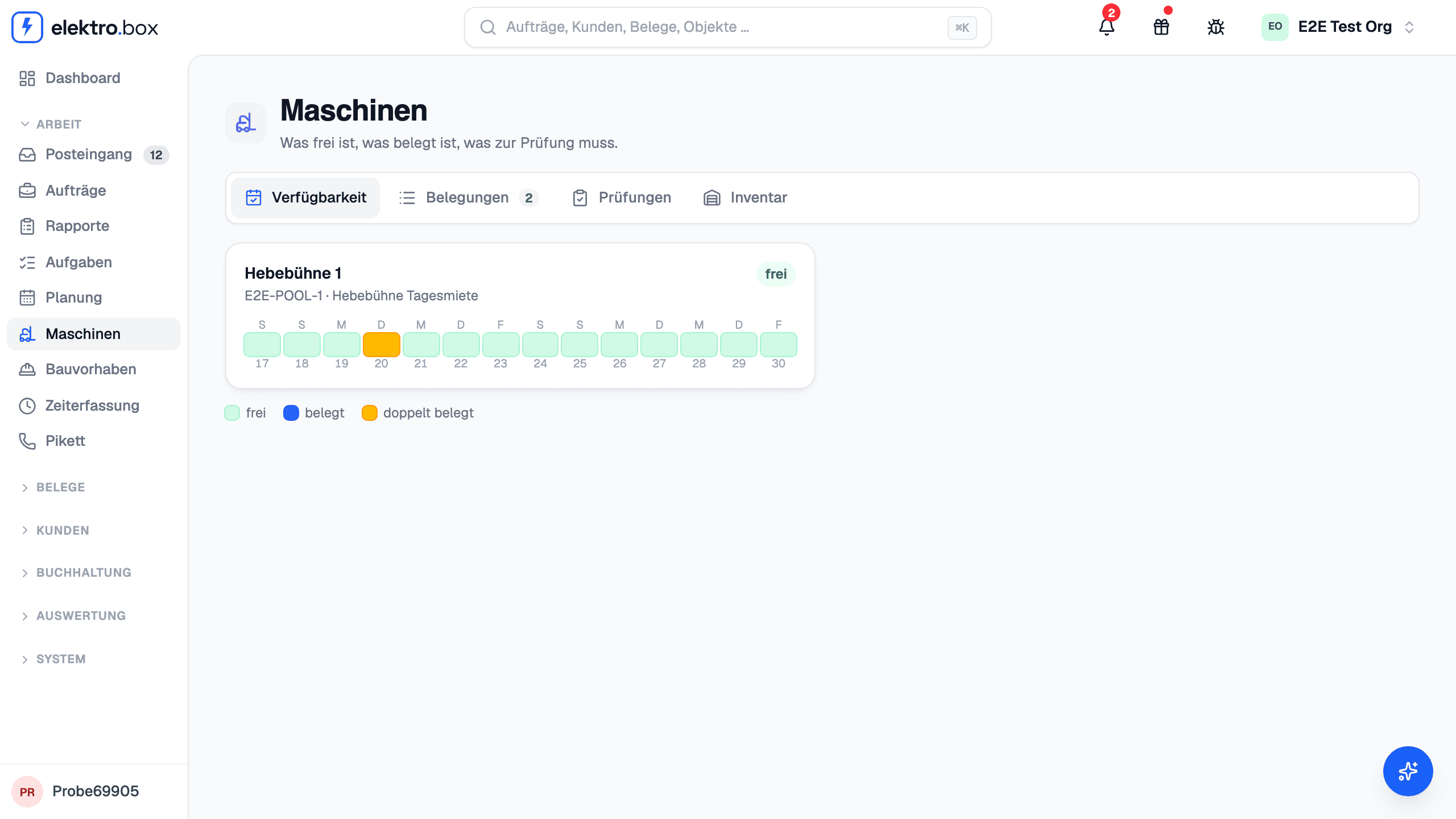
Read moreLifting platforms, core drills and the like now have an area of their own: see which machine is free when, book it straight onto the appointment and bill it on the Rapport with one click.
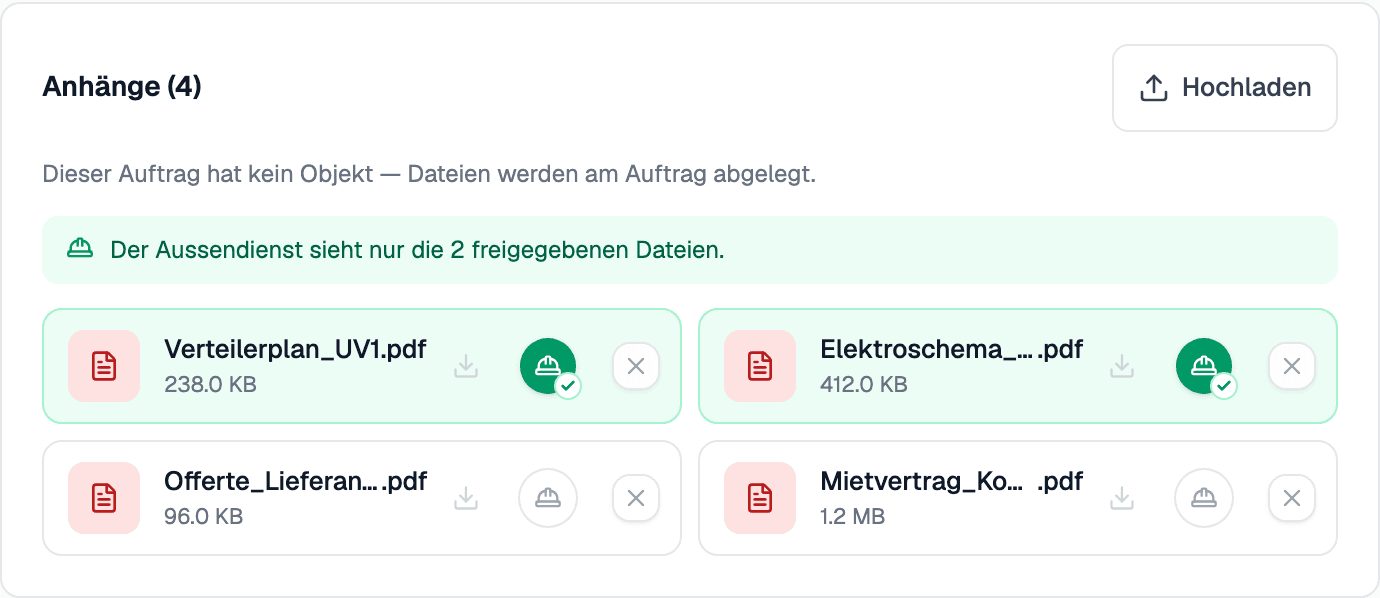
Read moreDecide per order which plans and documents your field staff see – with one tap on the hard hat next to the file.
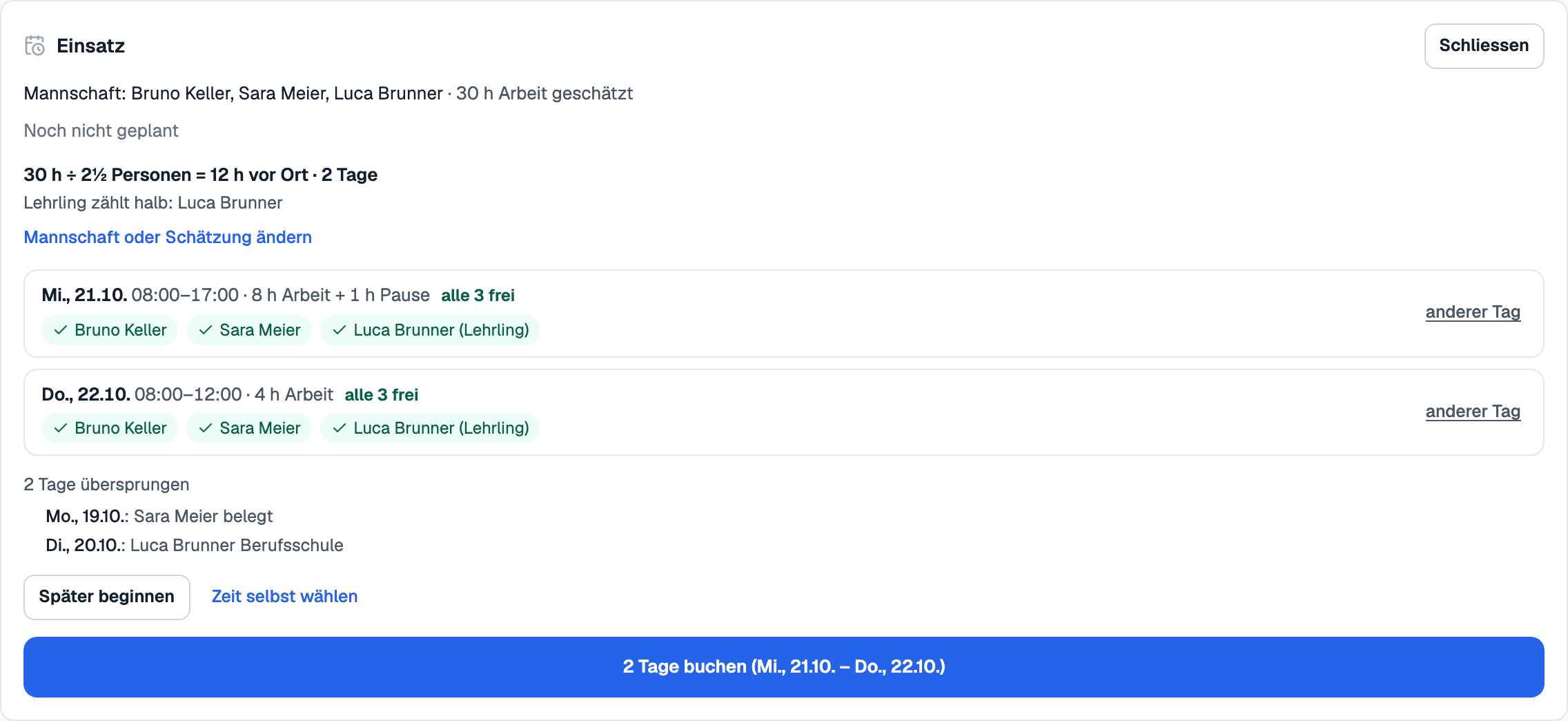
Read moreEnter the estimate and the crew – you see straight away how long the crew will be on site, and the days on which everyone has time are proposed to you.
Read moreWith Microsoft 365 or Google Workspace, every appointment lands in the assigned person's calendar – and the schedule shows when someone is already busy there.
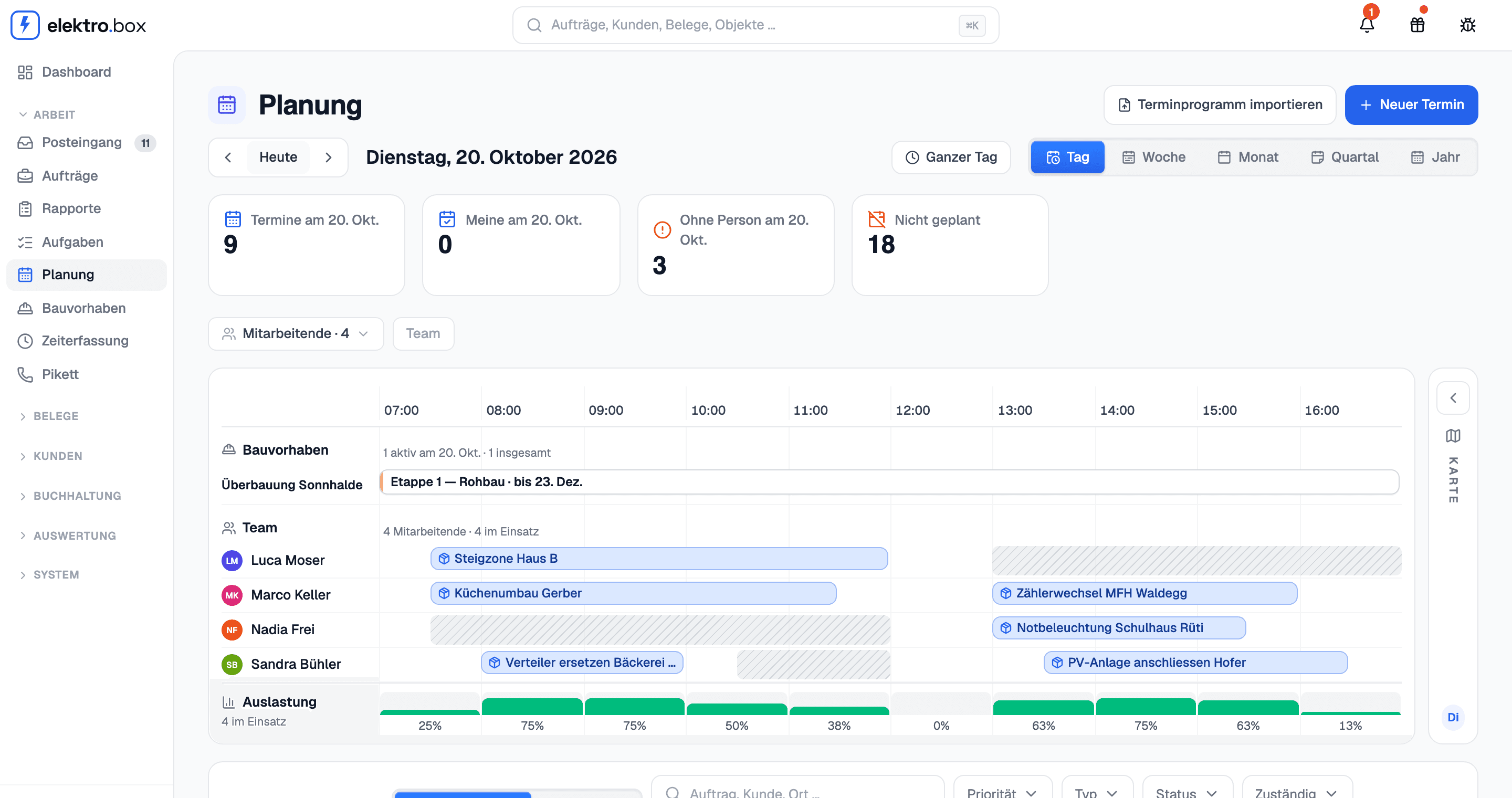
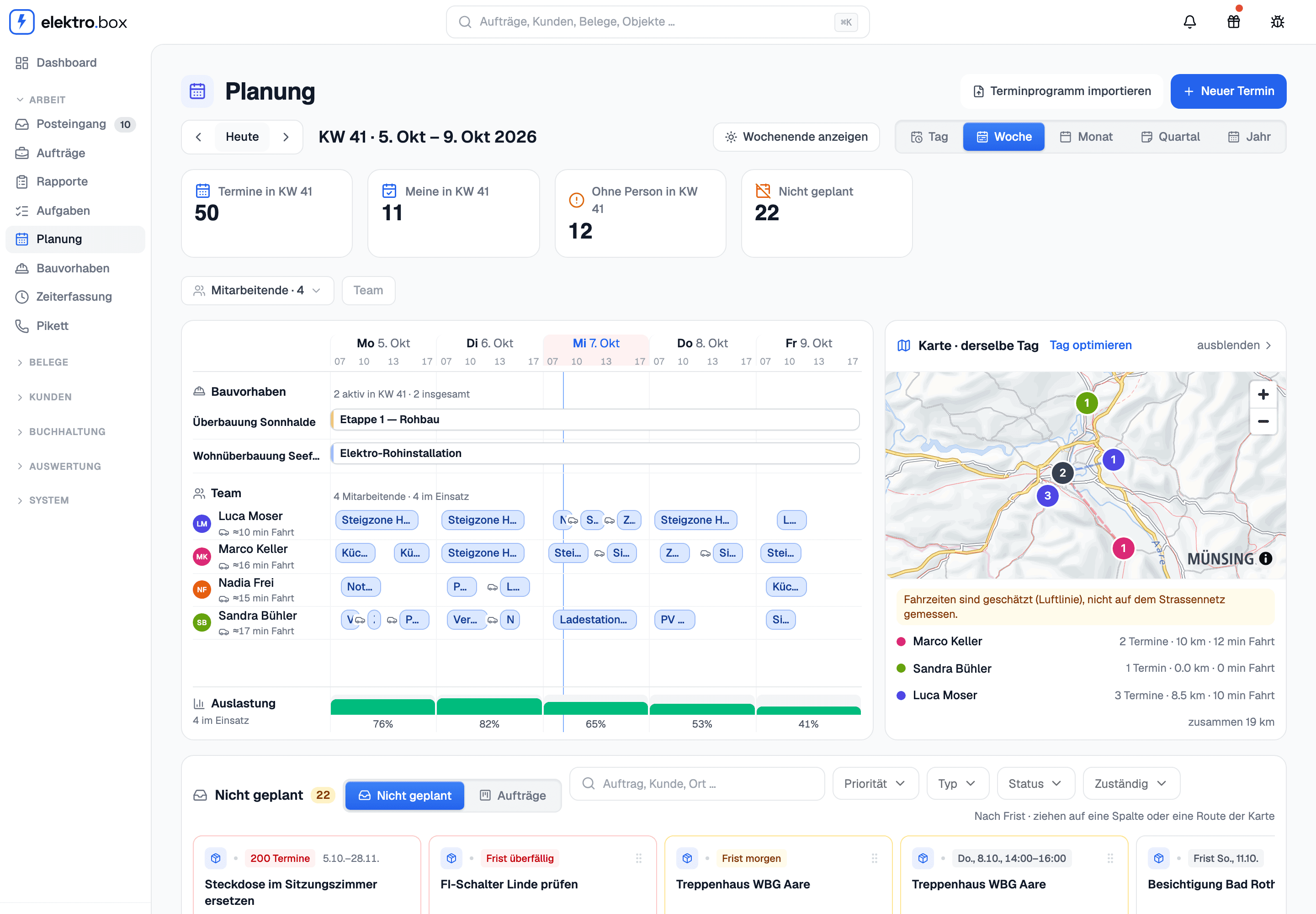
Read moreAppointments, Dispatching and the construction project timeline are now one page: your people down the side, time from left to right – from a single day to the whole year.
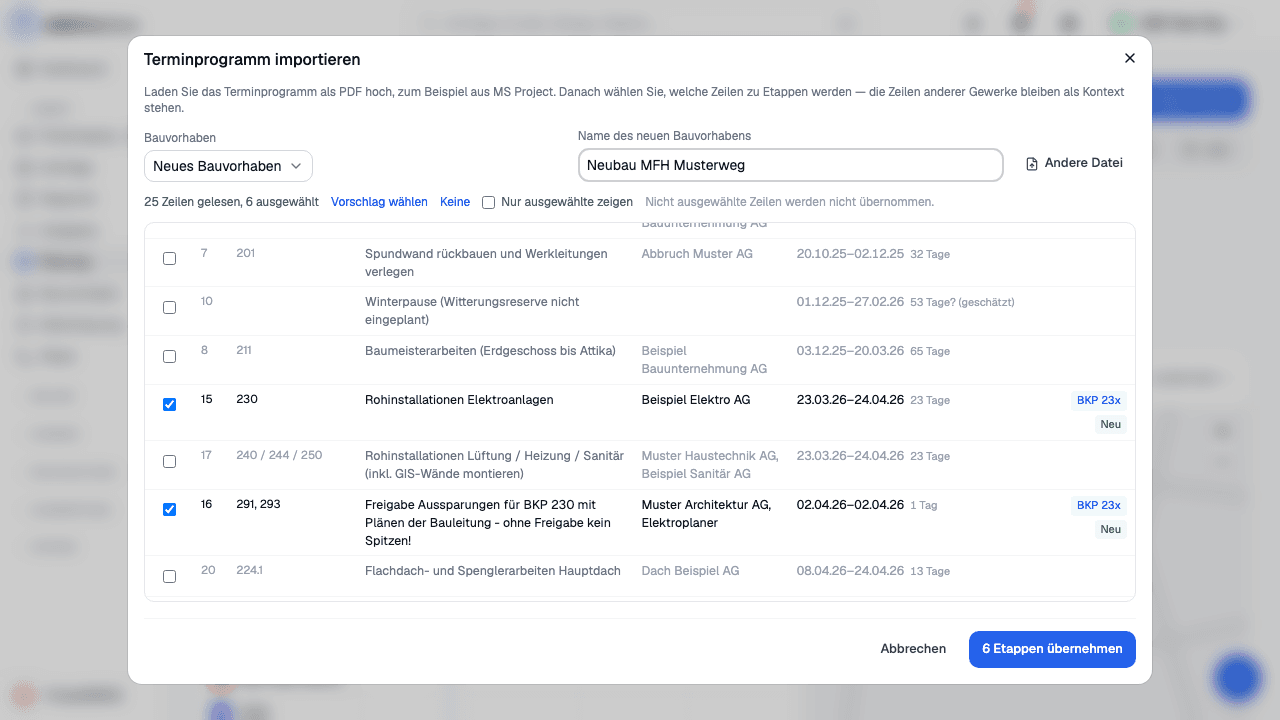
Read moreUpload the general contractor's construction schedule as a PDF – your stages are created from it automatically, and a revised version moves them instead of duplicating them.
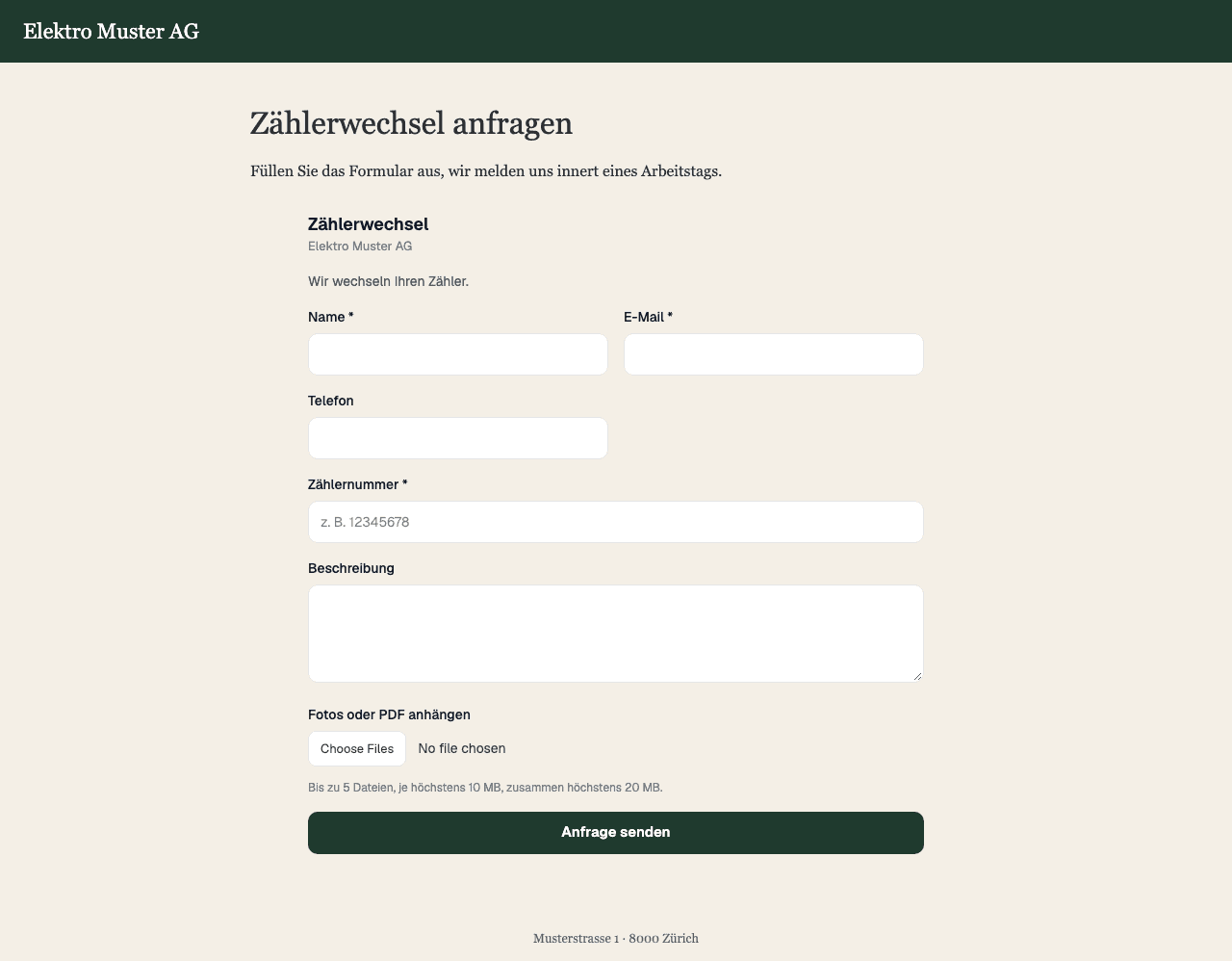
Read moreEmbed a form for an order type on your website – enquiries land straight in the inbox, already with the right order type.
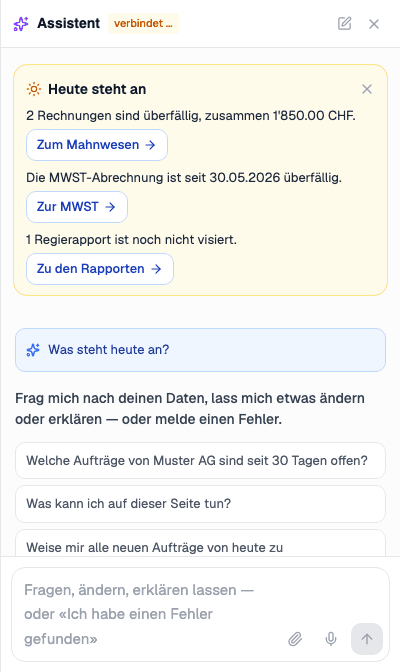
Read moreOpen the assistant on the dashboard: once a day it shows overdue invoices and Regie reports not yet signed off – each line with a button to the right page.
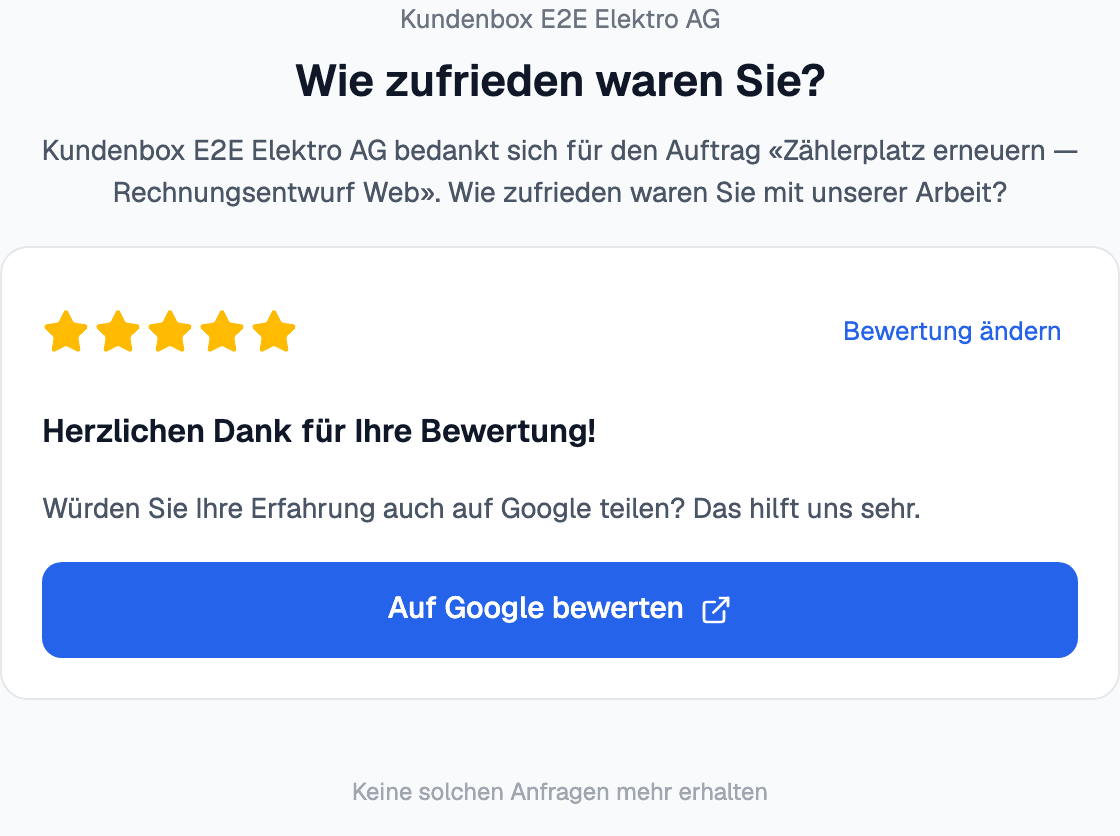
Read moreAfter every finished job, Kundenbox asks your customers how happy they were — and leads satisfied customers to your Google profile.
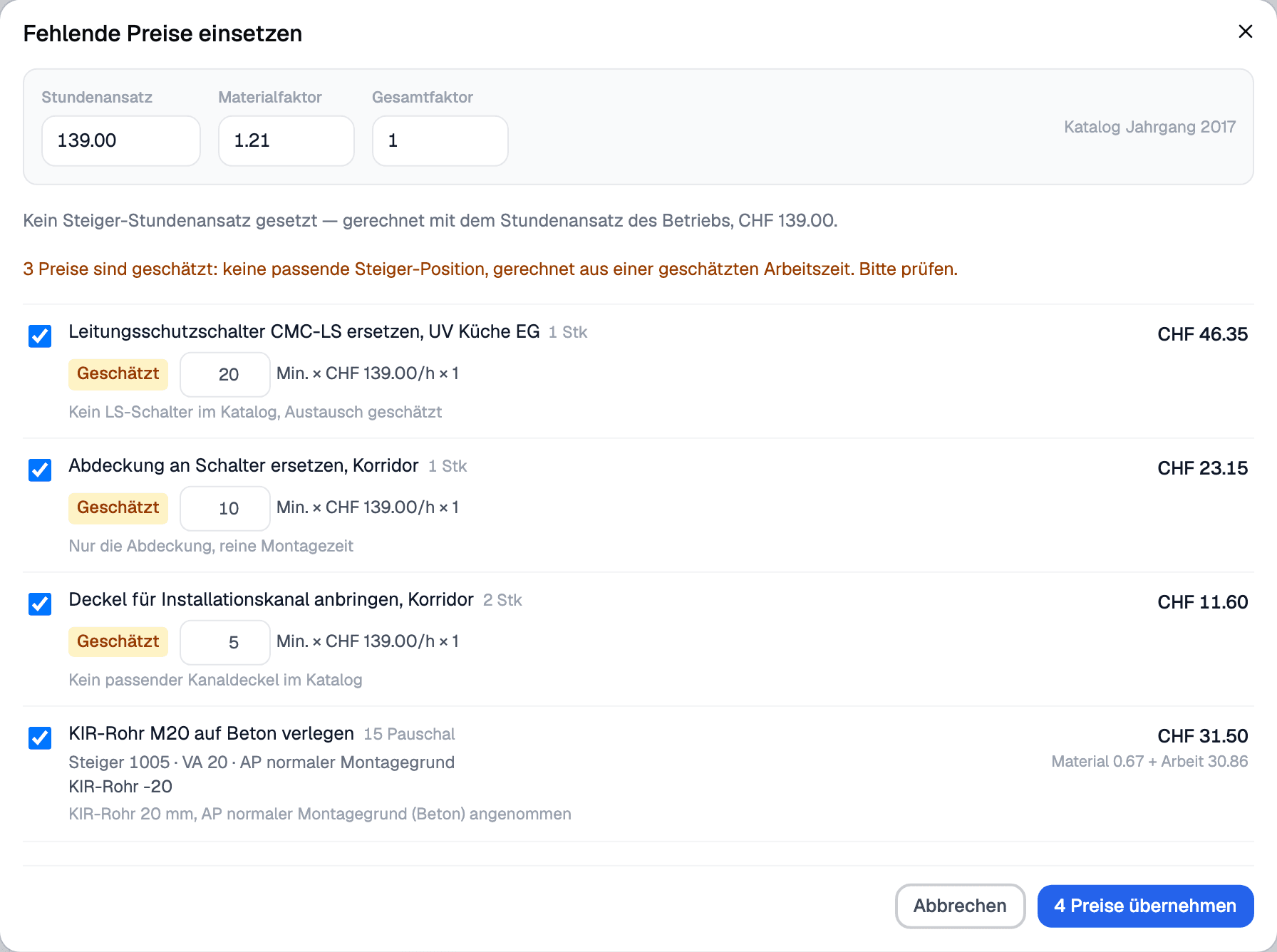
Read morePositions without a price? The AI matches them to the right Steiger position – and where none fits, it estimates the working time and shows the estimate clearly.
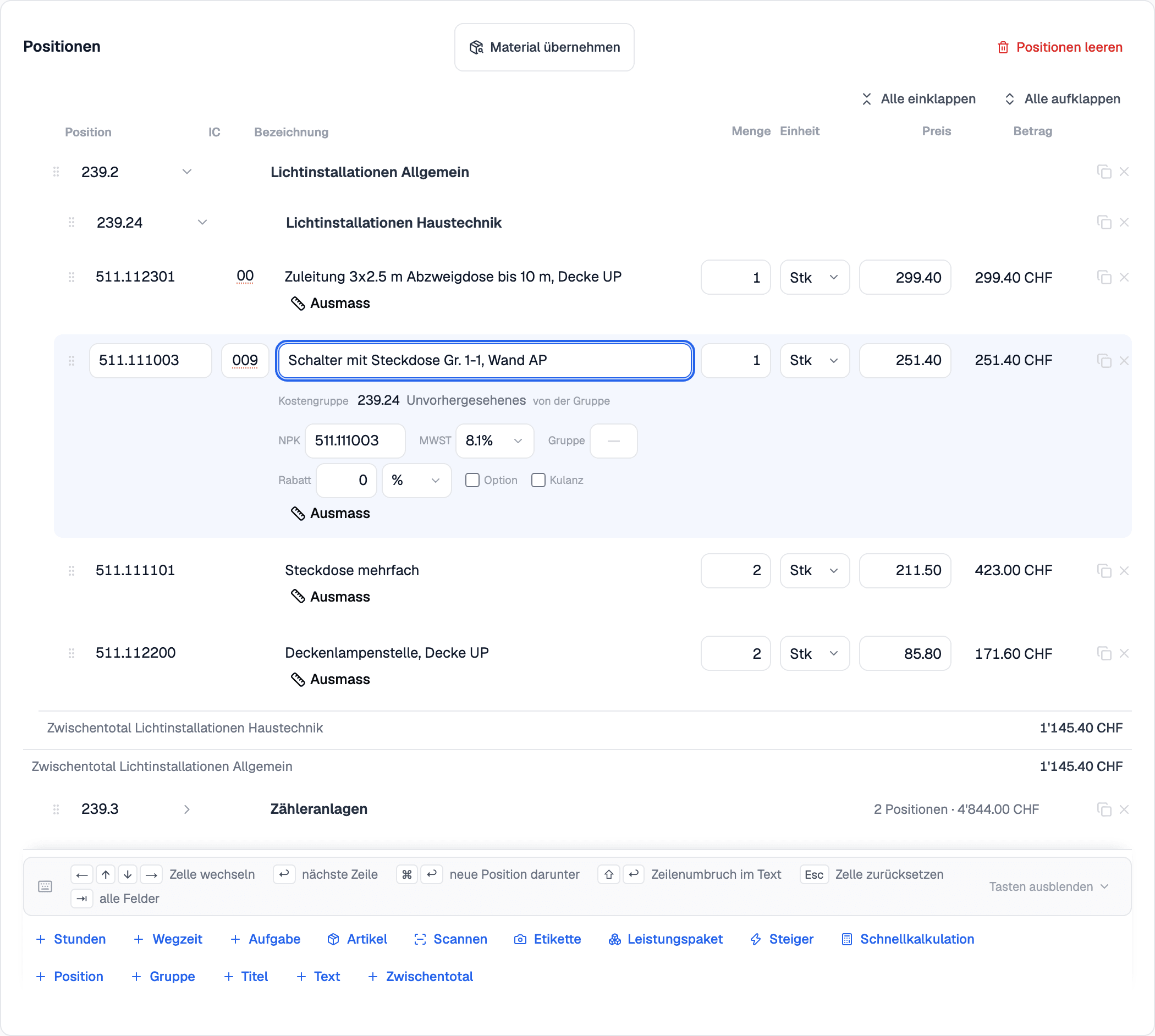
Read moreThe position editor now works with the arrow keys: type the number, Enter, quantity – and ⌘/Ctrl+Enter inserts a new position exactly where you are working.
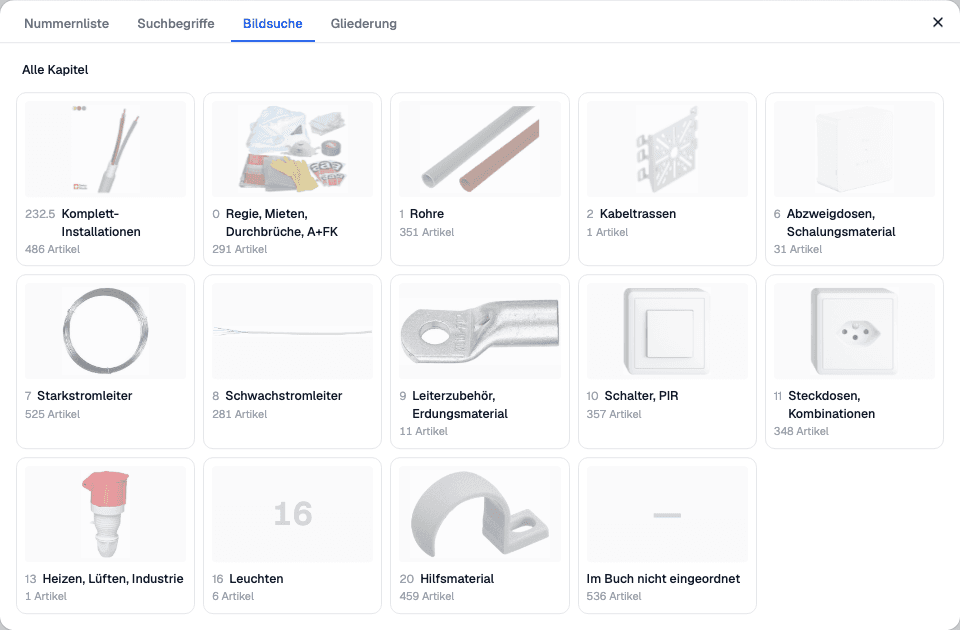
Read moreThe Steiger dialog now finds positions the way the book does: by picture search through the chapters, as a number list from a number, or in the chapter outline – with a product picture and E-number for every position.
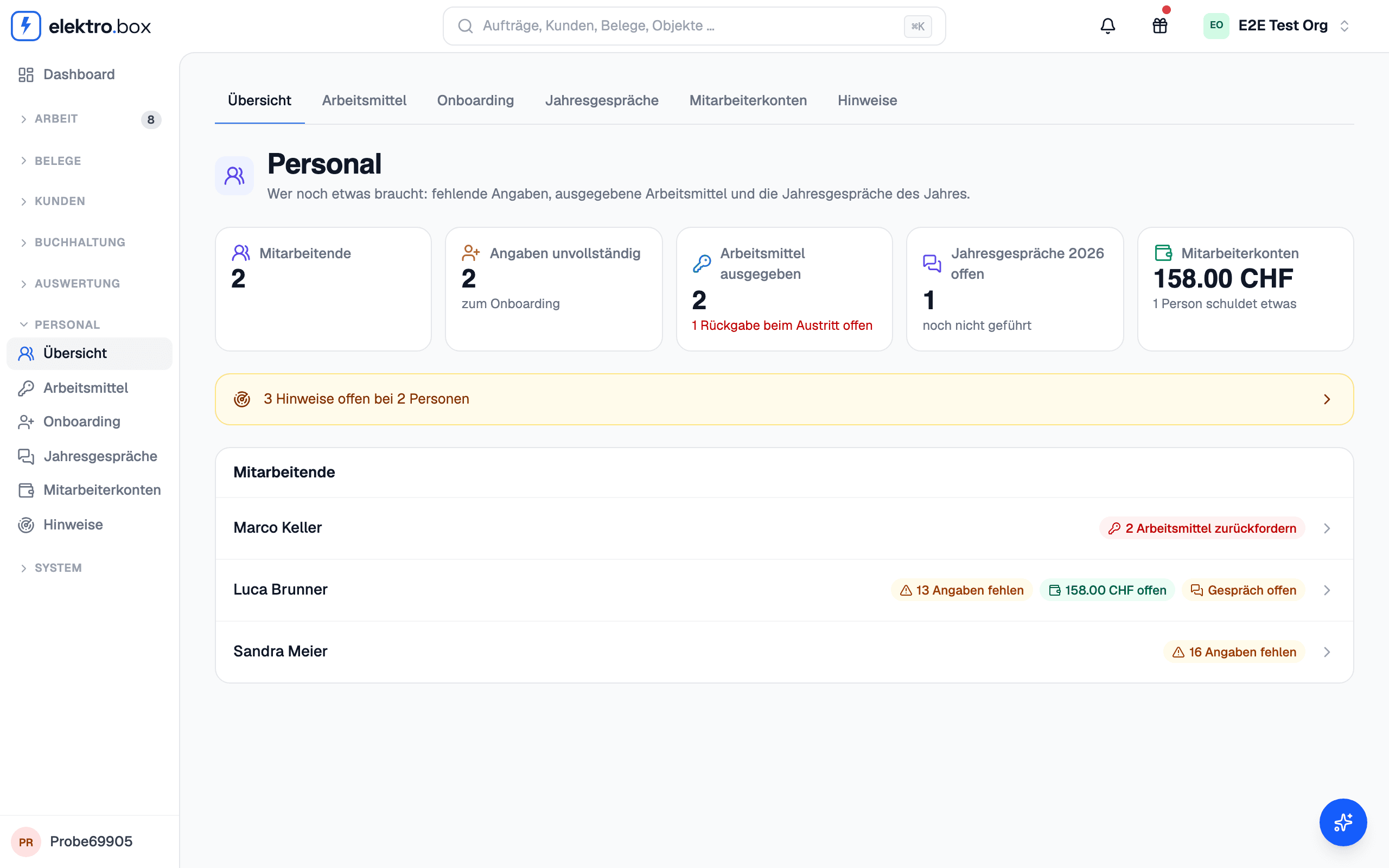
Read moreEquipment, onboarding, annual reviews, signals and employee accounts are now in one place – with an overview of who still has something open.
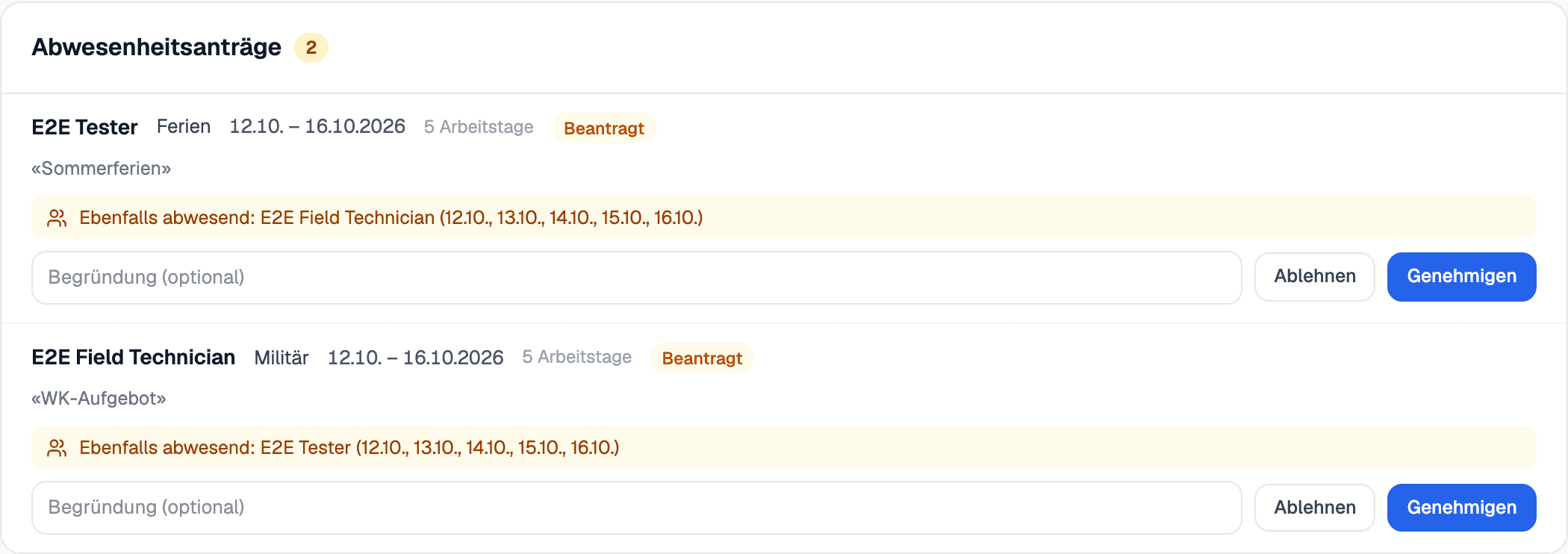
Read moreEmployees request vacation, military service and unpaid leave straight from the time tracking. You see at once who else is already away in the same days, and approve or reject — approved absences show up in the planning by themselves.
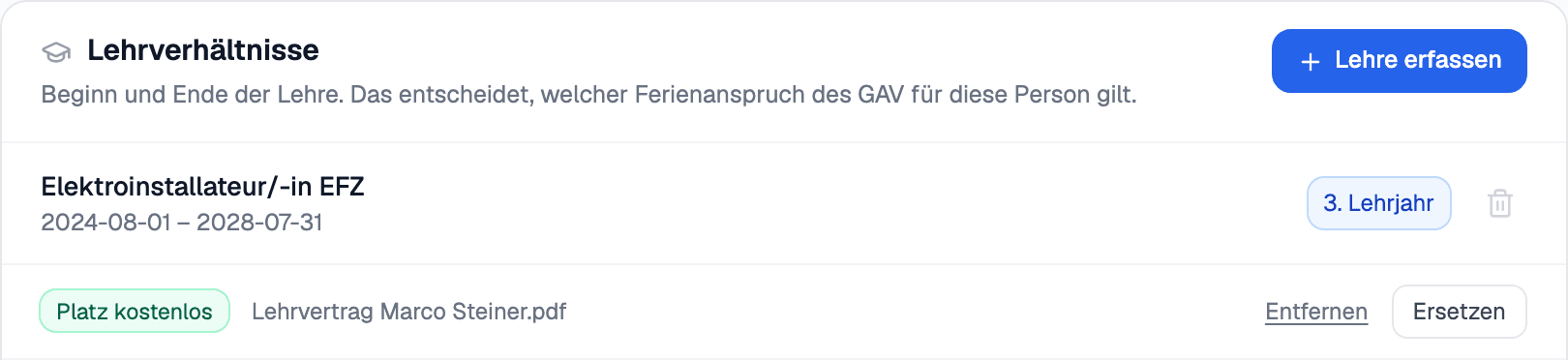
Read moreUpload the apprenticeship contract — and your apprentice's seat is free for as long as the apprenticeship runs.
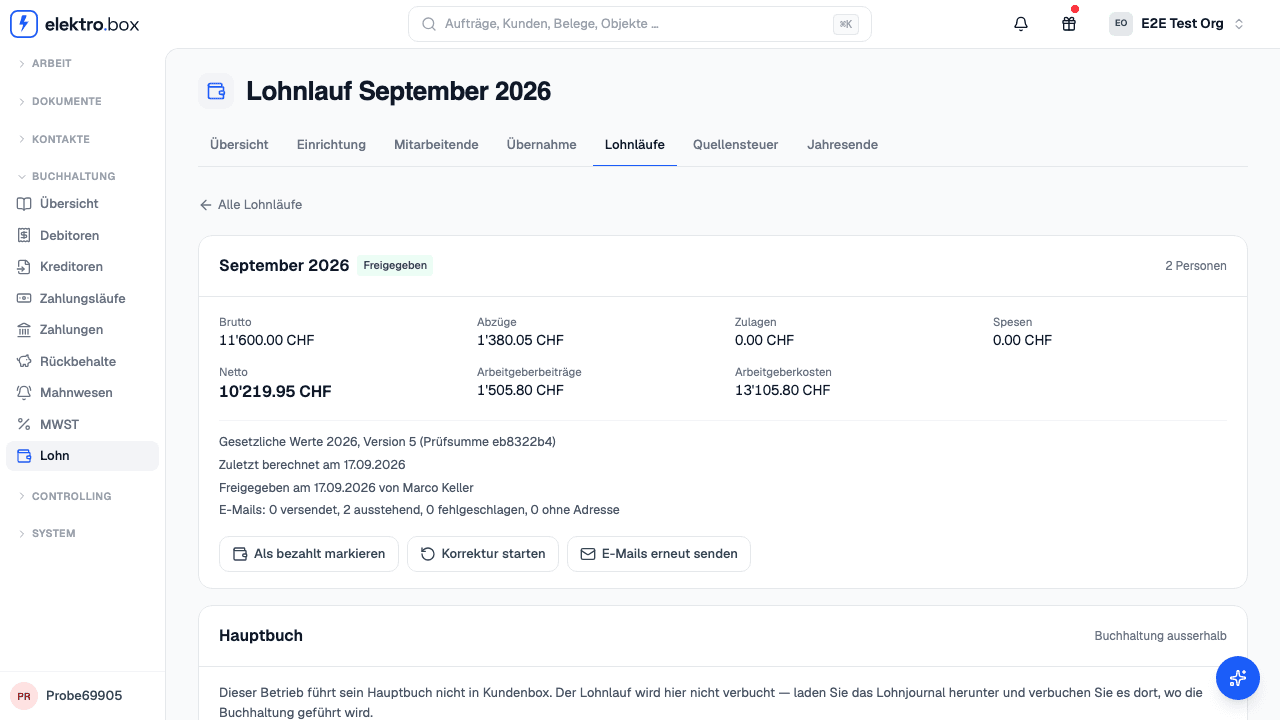
Read moreIf you want, you can now run payroll here: the monthly run, withholding tax, salary statements and year-end declarations.
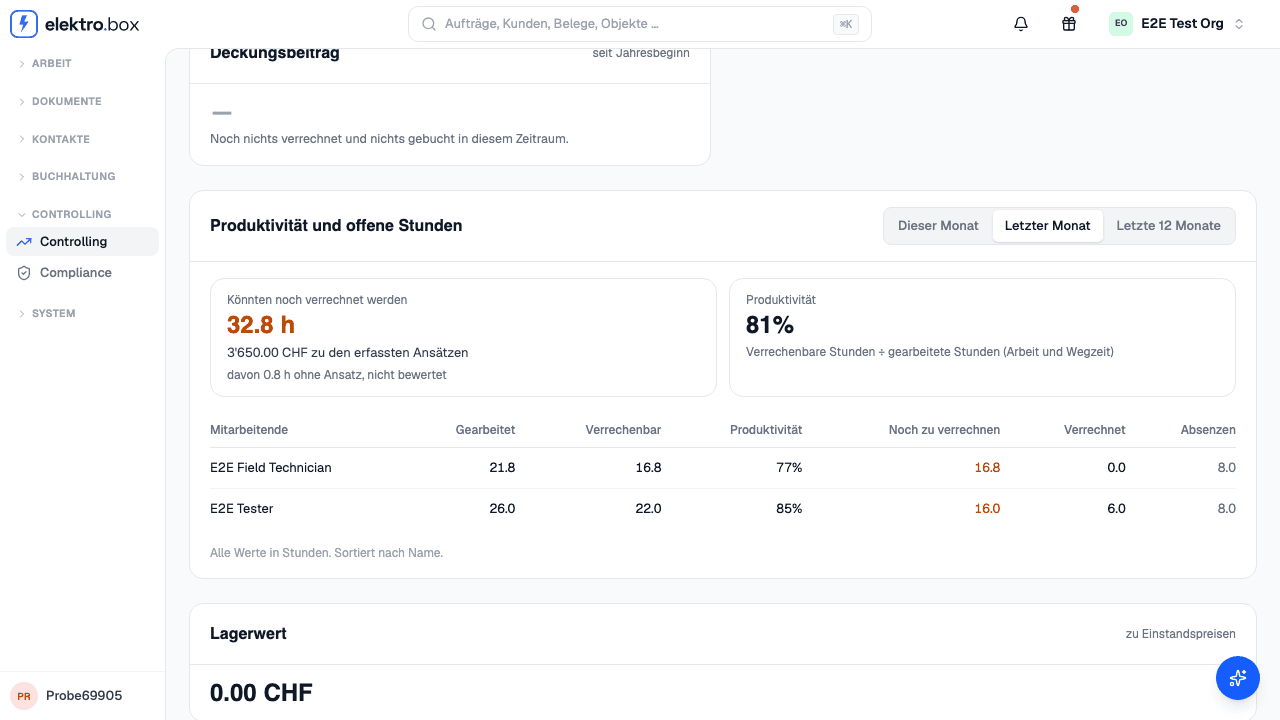
Read moreUnder Controlling you can now see how many recorded hours are not yet on any invoice and what they are worth, along with the productivity of each employee.
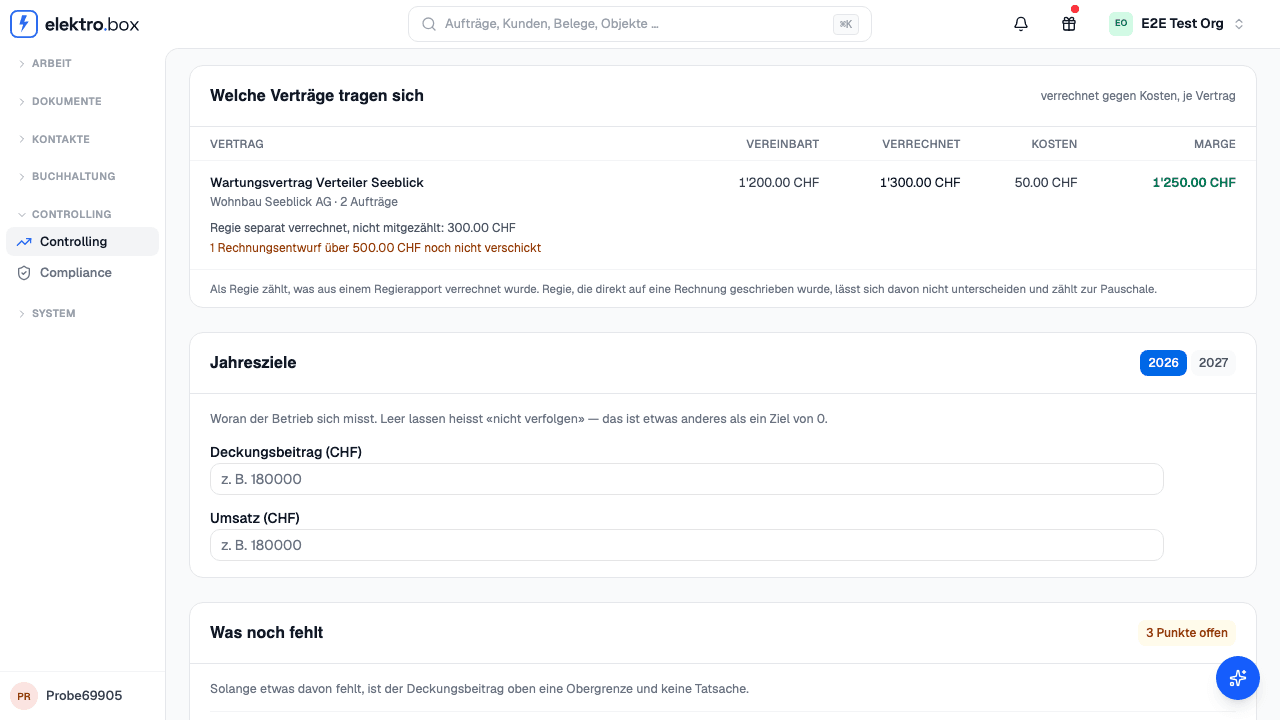
Read moreAssign call-outs to their contract. Controlling shows, per contract, what was invoiced and what it cost, and so which contracts pay for themselves.
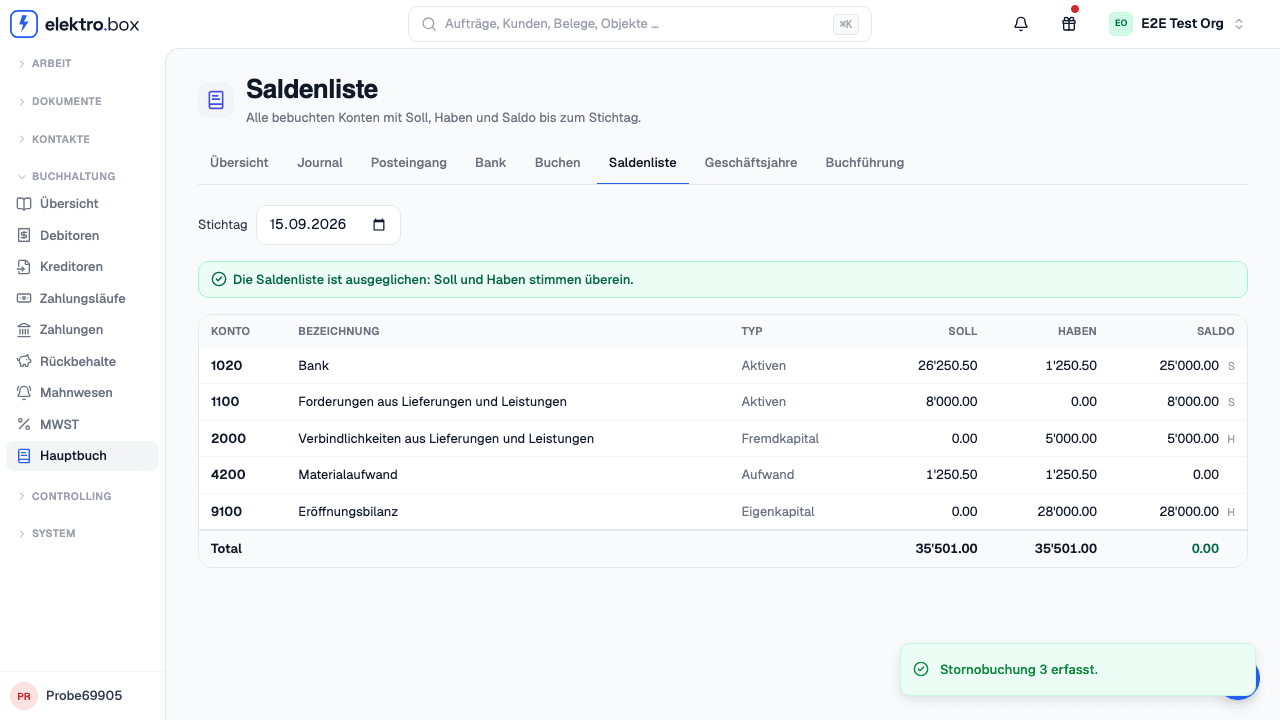
Read moreIf you want, you can now keep the books right here — or stay with bexio, Abacus or Banana.
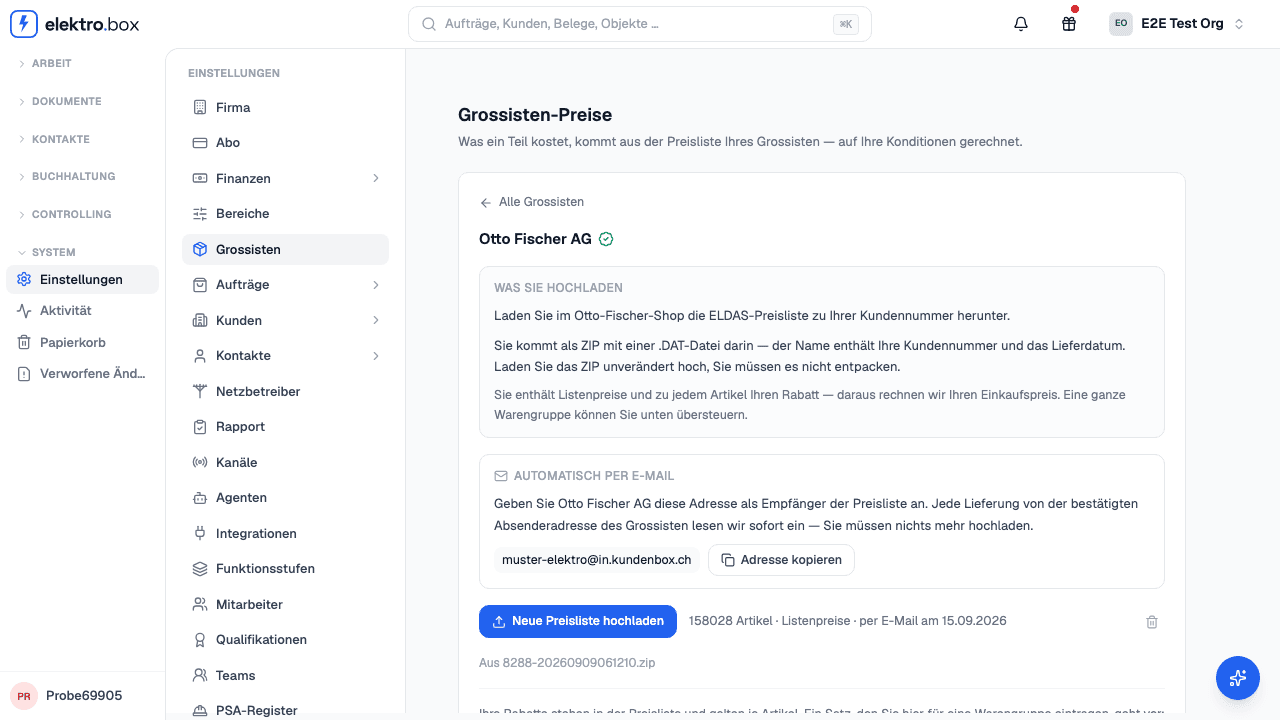
Read moreOtto Fischer and Elektro-Material send your price list straight to Kundenbox — every delivery is imported automatically, discounts included.
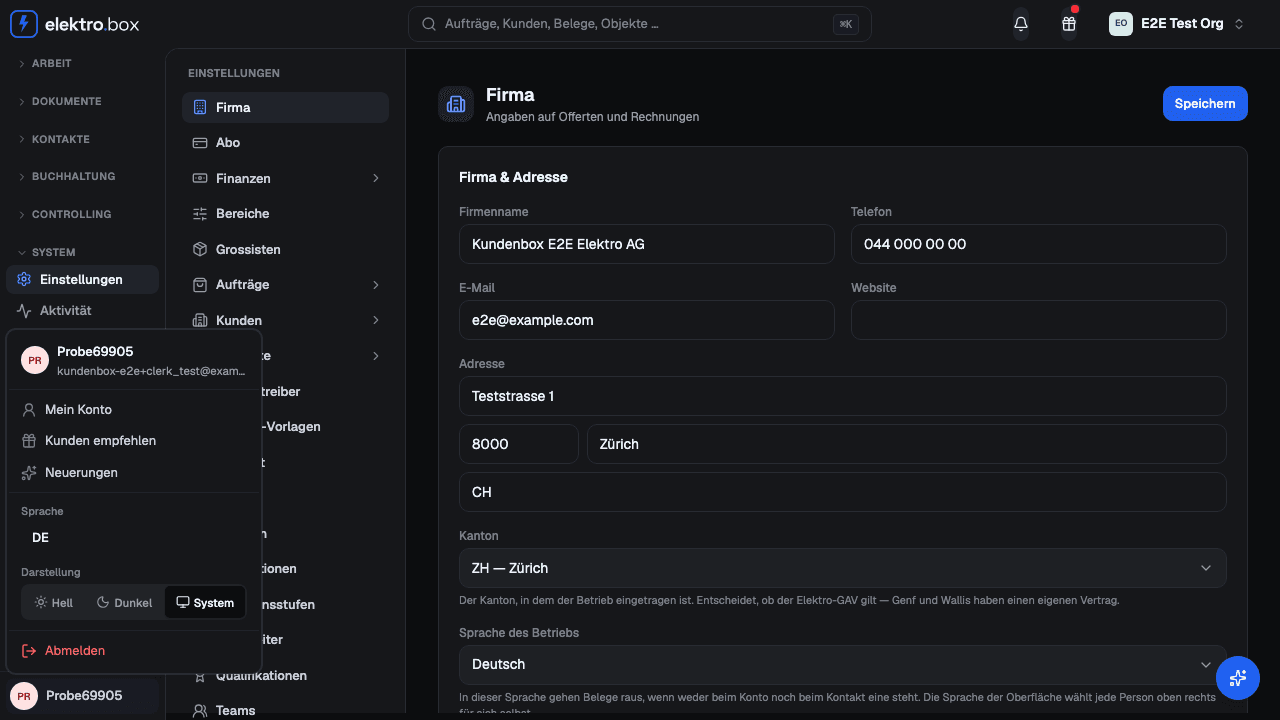
Read moreelektro.box now comes in dark too — in the user menu under «Appearance»: Light, Dark or like your device.
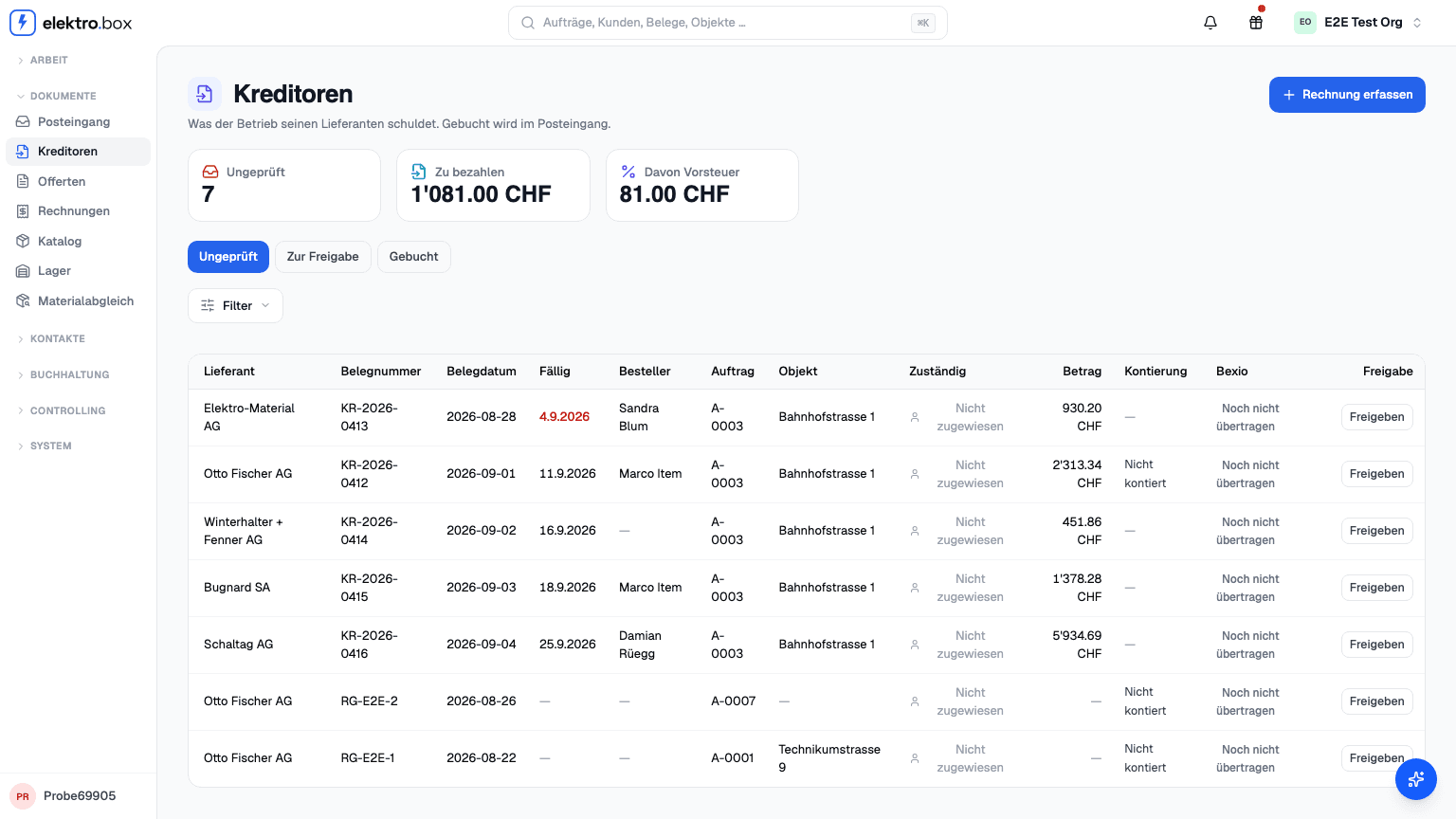
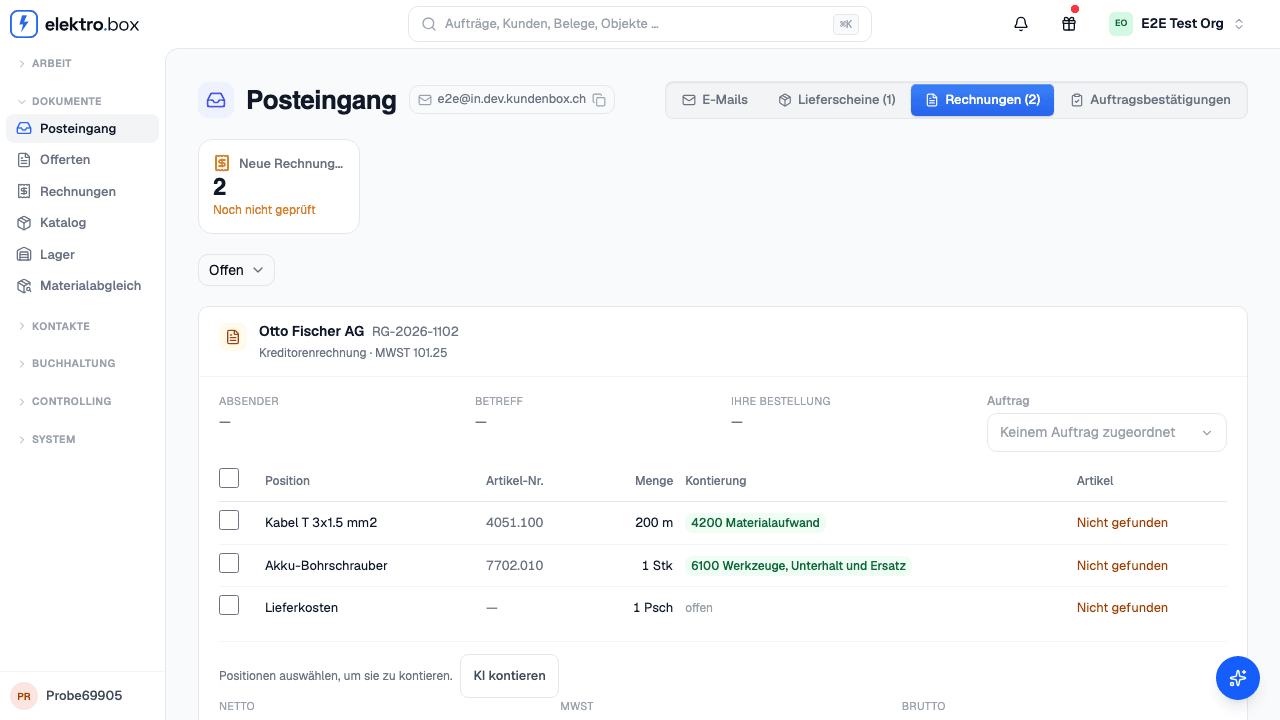
Read moreEvery supplier invoice in one list: due date, orderer and object at a glance — and the invoice opens beside its positions.
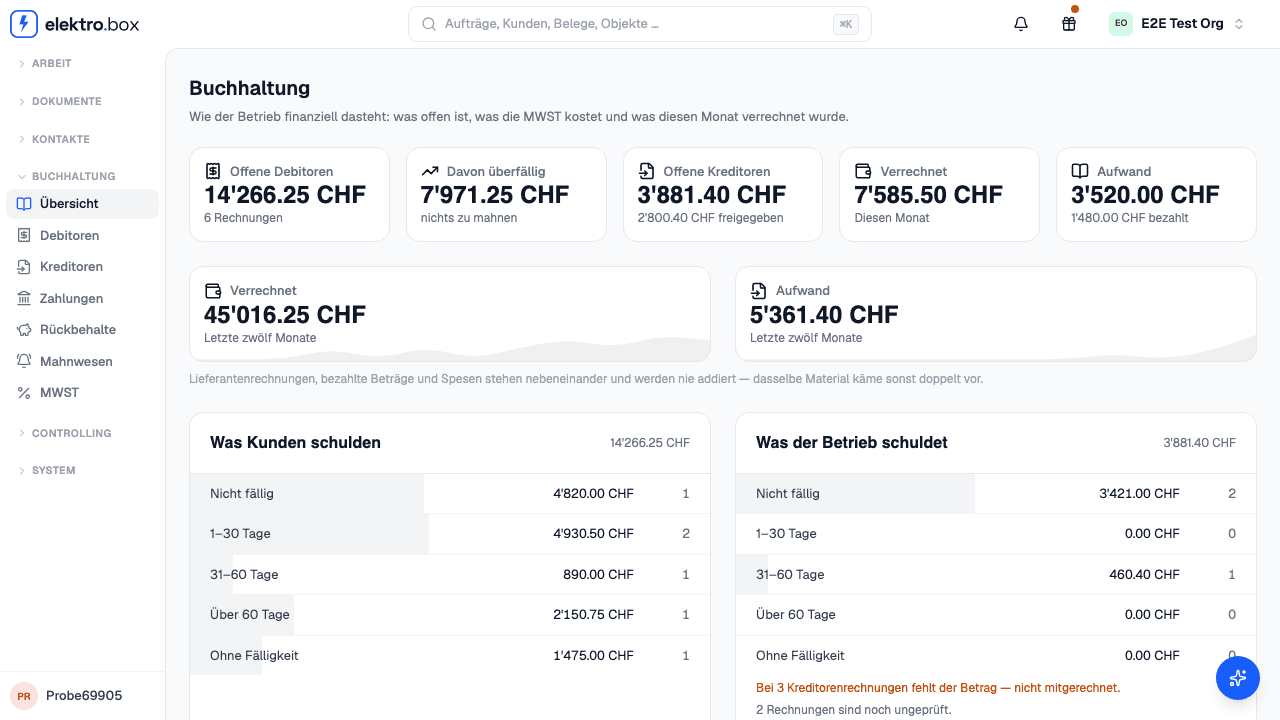
Read moreOpen receivables, open payables, the VAT for the current period and what was invoiced this month — on one page instead of six.
Read moreSupplier invoices now reach bexio coded per position instead of as a single amount.
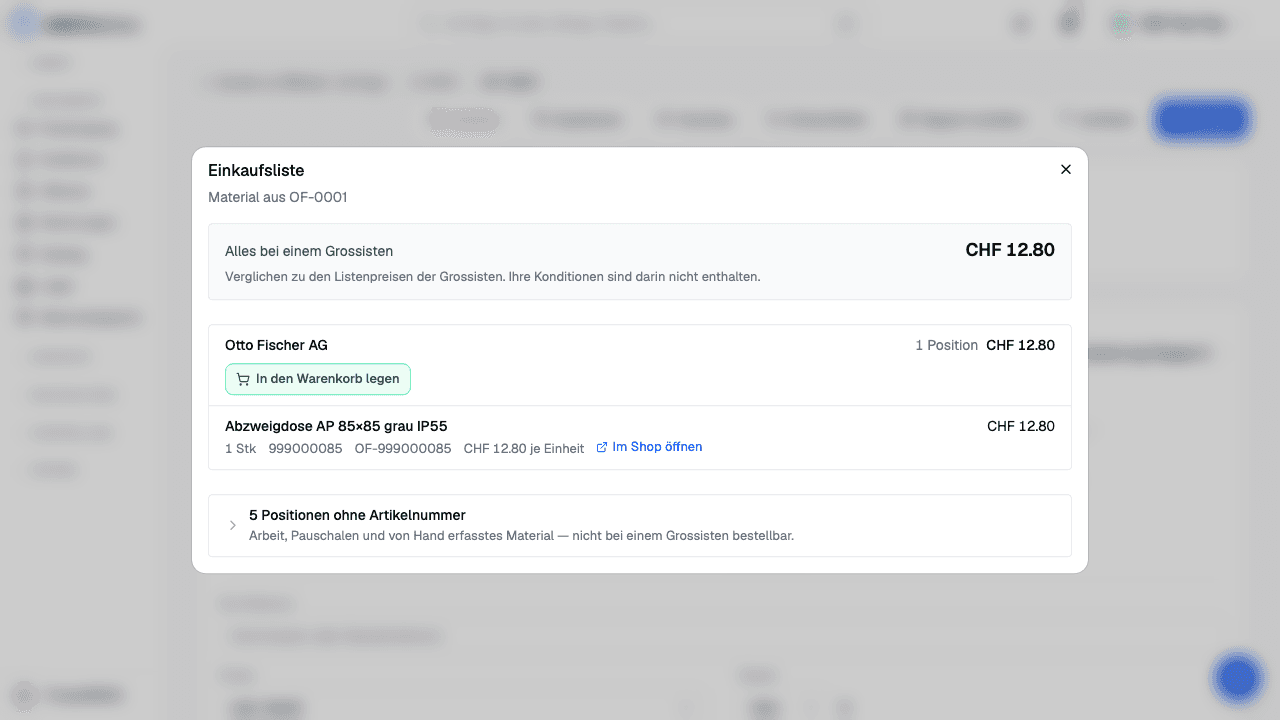
Read moreThe shopping list now puts material into your basket at Otto Fischer — with the Beleg number as the commission reference. Nothing is ordered until you confirm the basket in the shop.
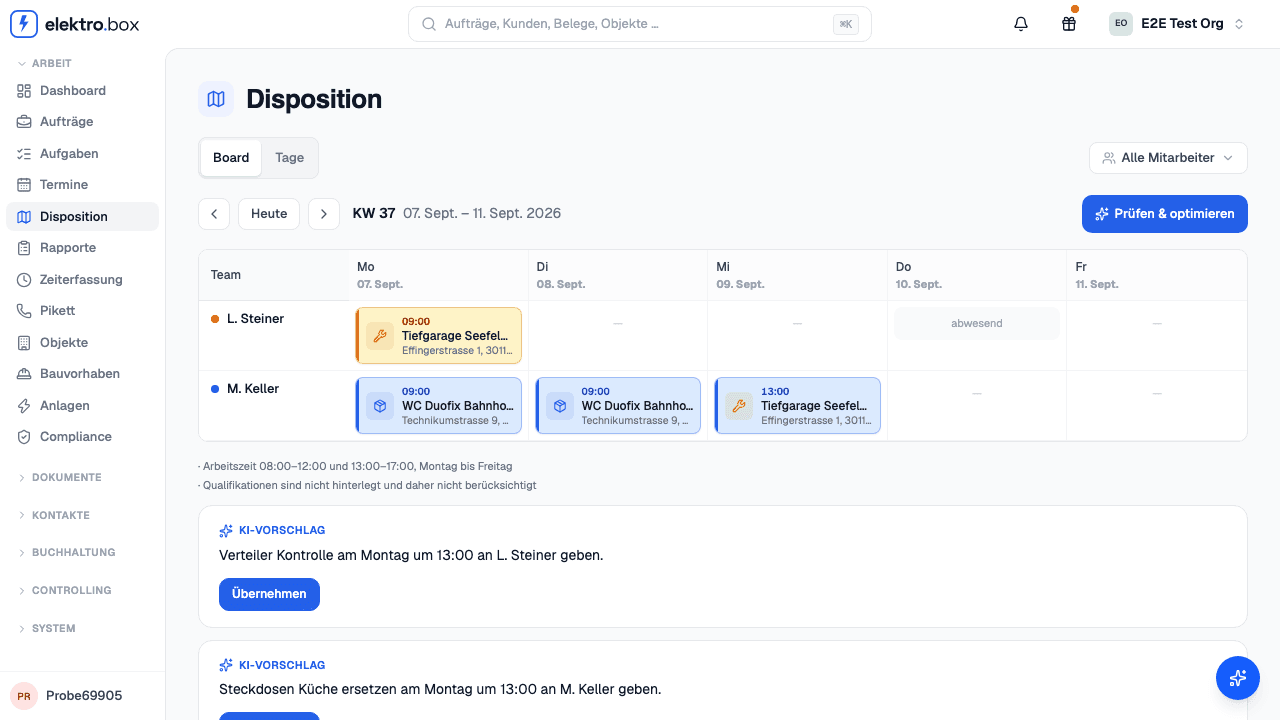
Read moreDisposition now shows the whole week: who is where, how much time each person still has free — and you hand a Rapport to a person and a day by dragging it there.
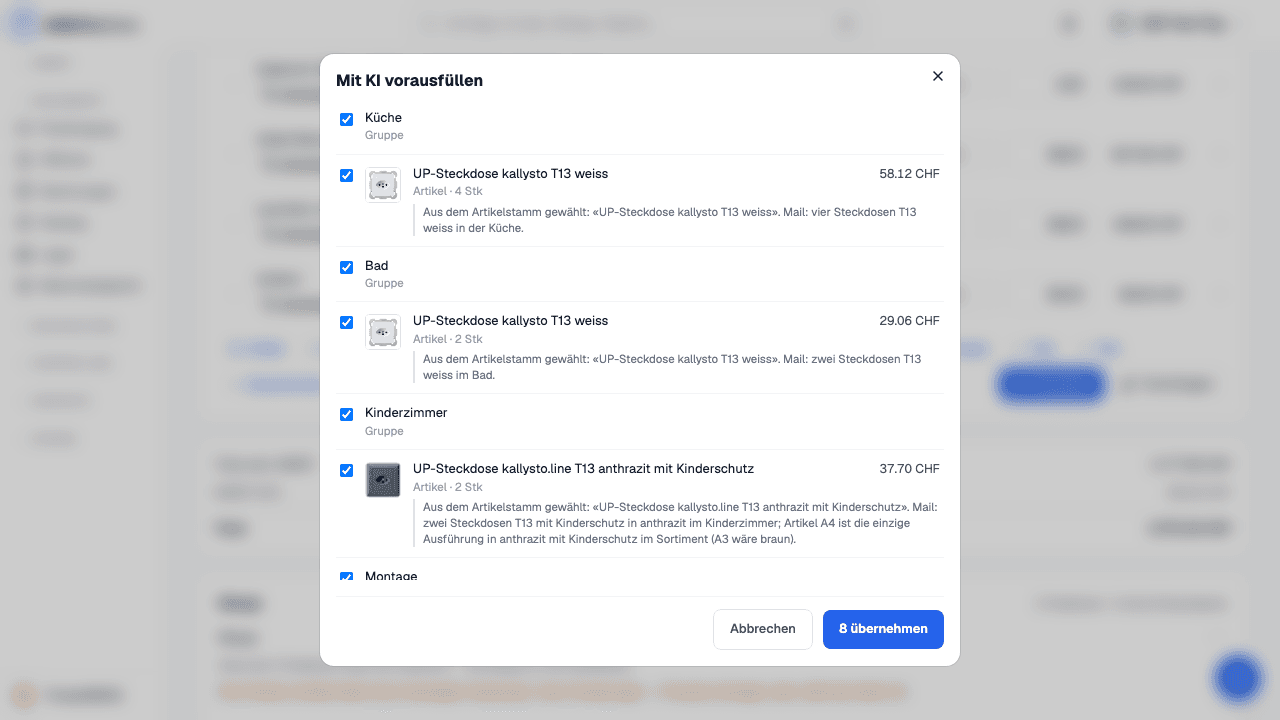
Read more«Mit KI vorausfüllen» now picks positions from your material master — with a price, and with a reason for every position.
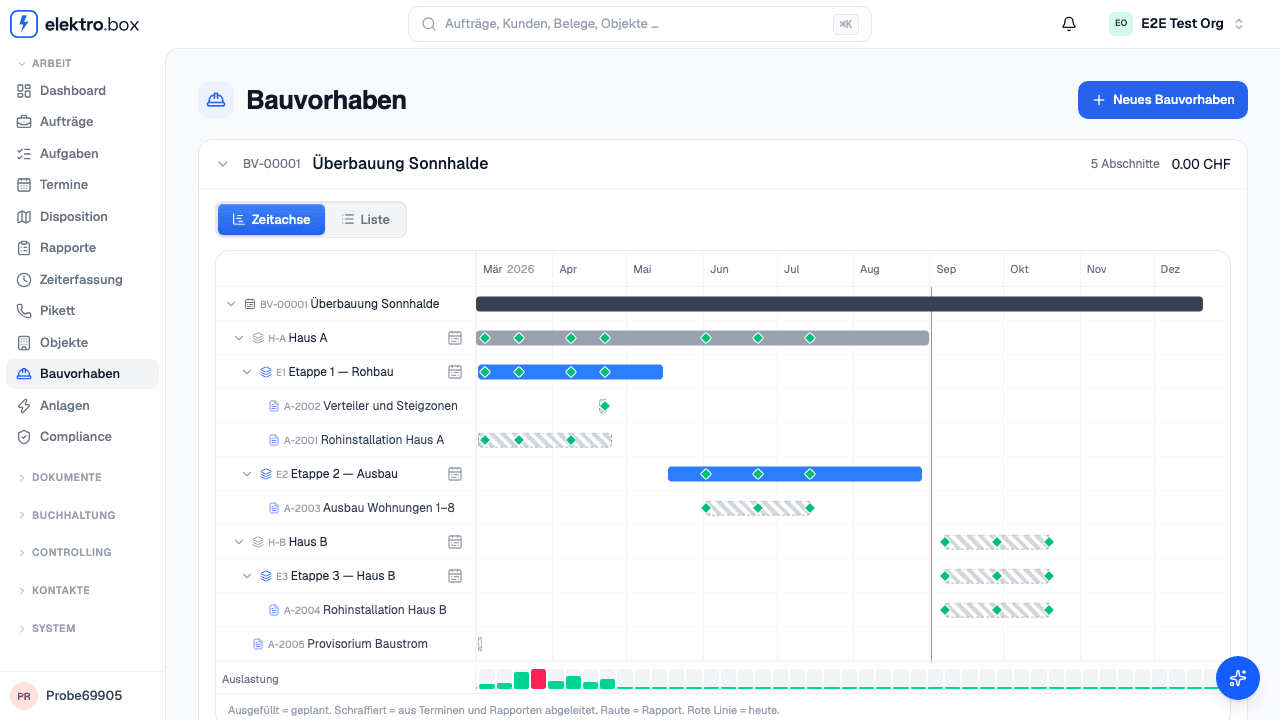
Read moreLots, phases, Aufträge and Rapporte on one timeline — and underneath, how full your weeks already are.
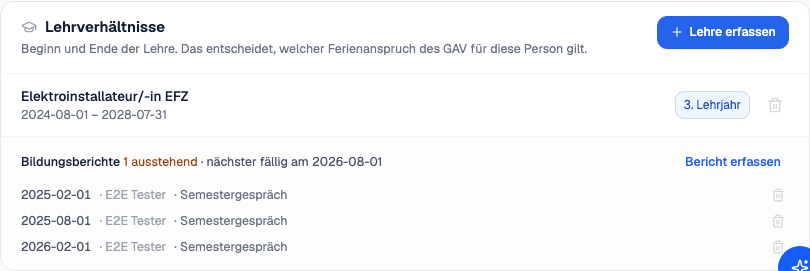
Read moreRecord your apprentices' Lehrverhältnis — and see at a glance whose next Bildungsbericht is due.
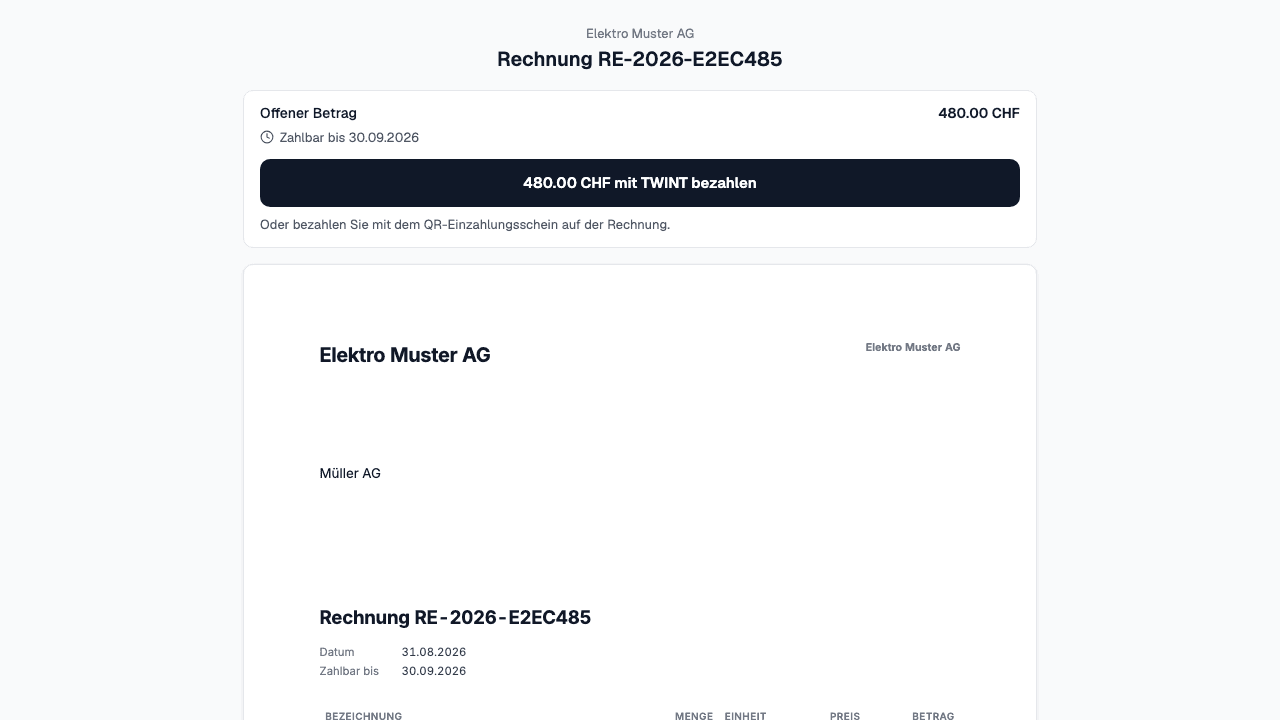
Read moreYour customers pay an invoice straight from its link — with TWINT, in seconds.
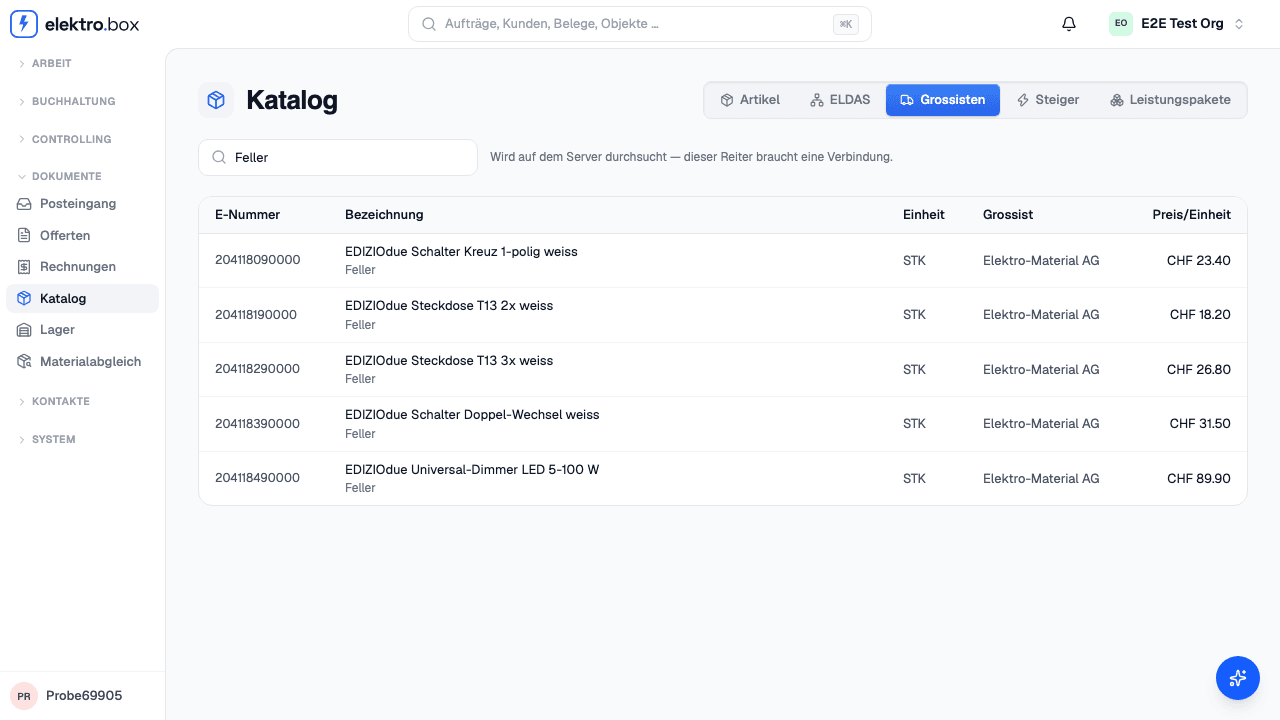
Read moreThe catalog has a new tab: search, inspect and use material from Elektro-Material without opening the web shop.
Read moreA proposal now covers a horizon of working days, so the week is no longer reassembled every morning.
Read more