Book machines by QR code
Every machine gets a QR label – on site, the electrician scans the code and books the machine onto their appointment with one tap.
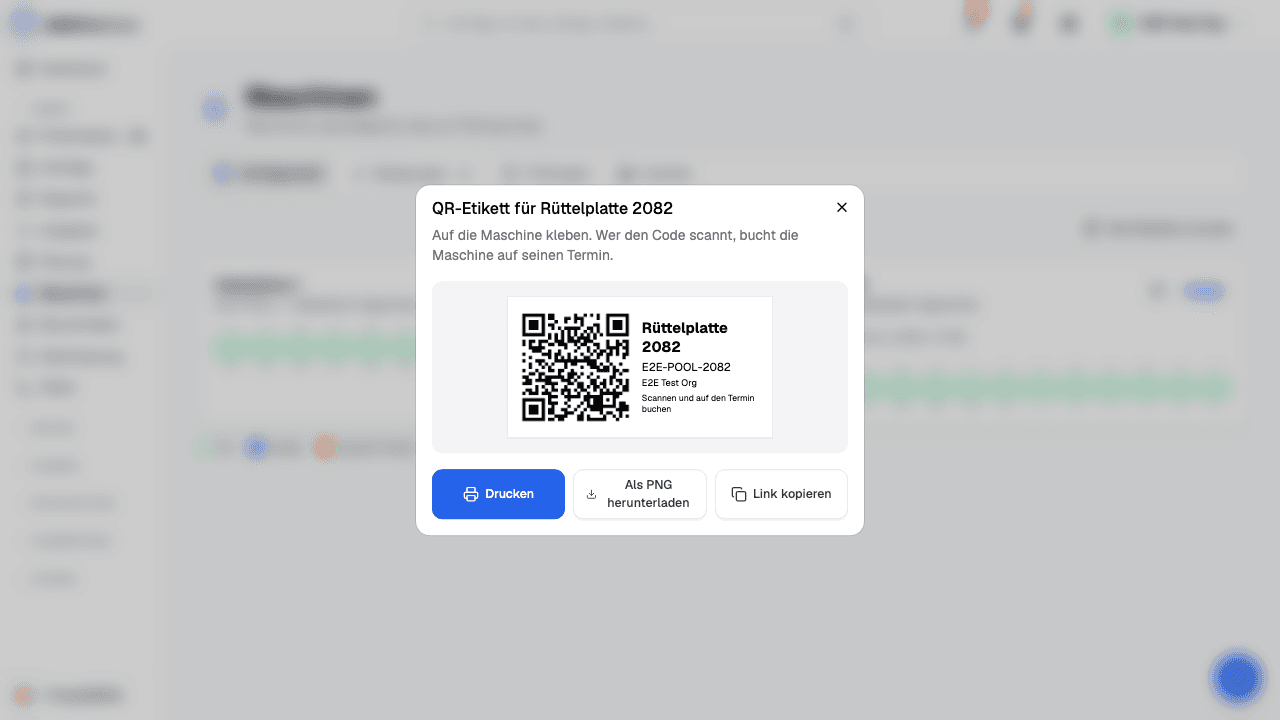
Label: print it from the QR icon under «Machines» – one at a time or all at once, sized for A4 label sheets (70 × 37 mm).
Scan: with the phone's camera or with «Scan QR» in the app. Today's appointments appear – one tap on «Book» is enough, and «Undo» takes it back.
Planning: the booking shows in the machine's row, and double bookings stay marked in orange.