Texts to your customers: appointment, delay and arrival
Your customers now get the appointment confirmation, a change and a delay by SMS. When the technician sets off, they learn the approximate arrival time. Everything stays off until you switch it on.
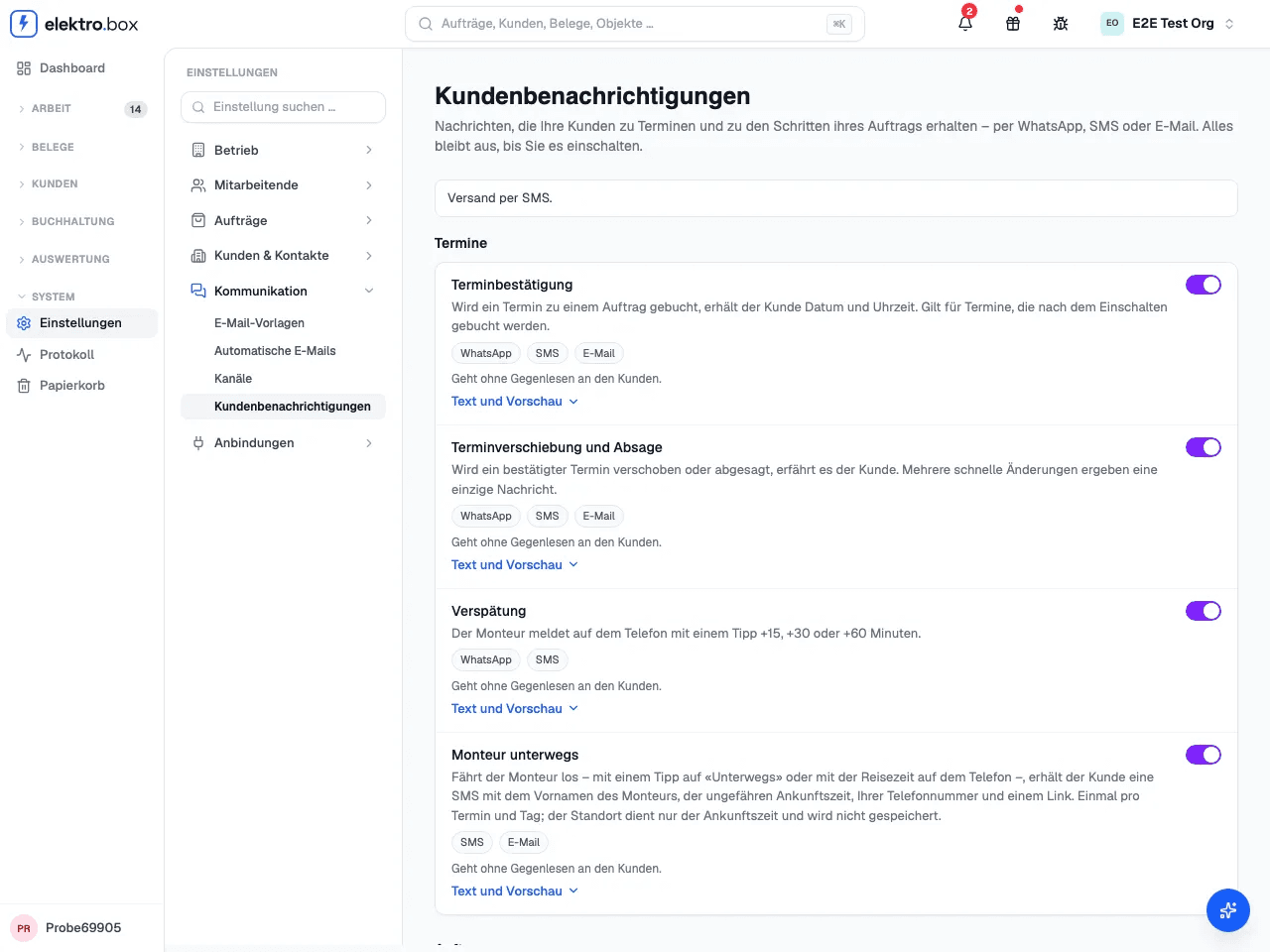
Under Settings → Customer notifications you switch on each message separately. When an appointment is booked, moved or cancelled, the customer gets an SMS. The technician reports a delay with one tap on the phone. When the technician sets off, the customer gets the technician's first name, the approximate arrival time and your phone number. You can change the text of each message and see it in the preview first.
Each SMS appears in the order's history with its delivery status. SMS go to mobile numbers in Switzerland and Liechtenstein. Without a mobile number, the confirmation and the change go by email. If your company has connected its own WhatsApp number, the appointment messages go by WhatsApp first.
You can now also require an SMS code before a customer accepts a quote through the link. The customer gets the code at the mobile number on file. You find the switch under Settings → Finance.