Import a construction schedule
Upload the general contractor's construction schedule as a PDF – your stages are created from it automatically, and a revised version moves them instead of duplicating them.
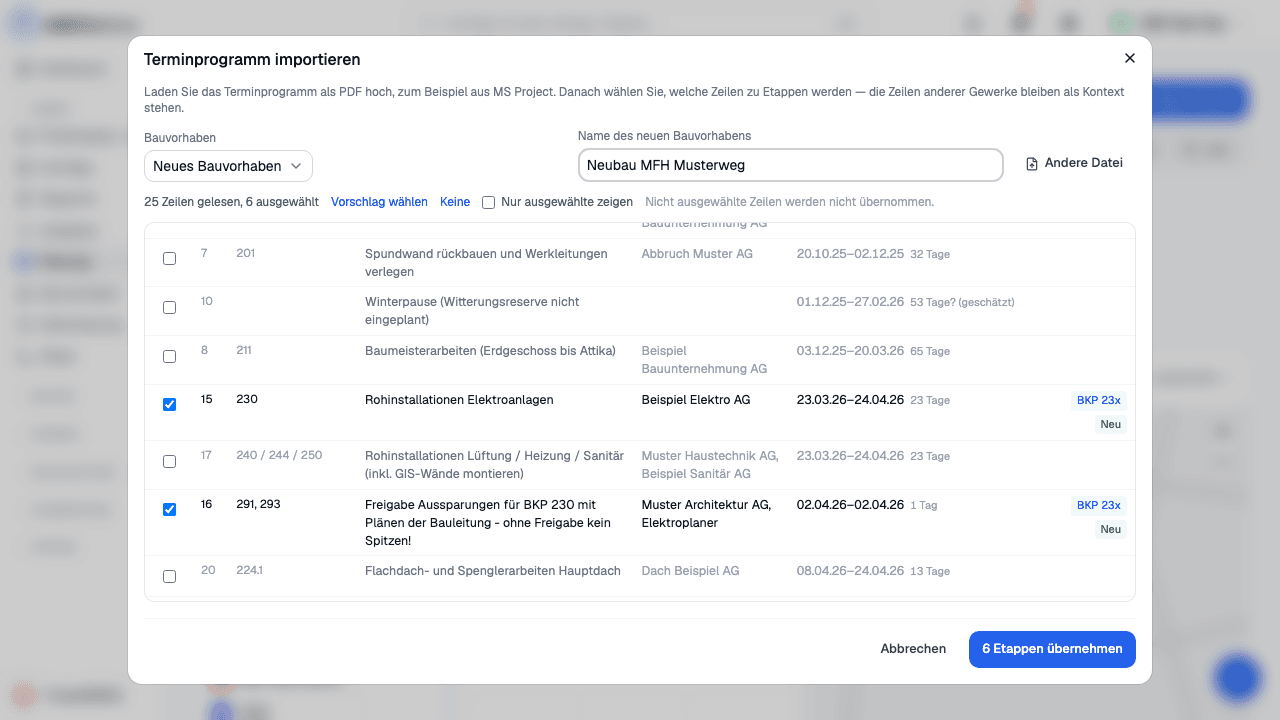
On a construction project or under Planning, choose «Import schedule» and upload the PDF. In the preview the rows of your trade are already selected, while the other trades stay visible as context. When you later upload a revised version, you see which dates have moved before you apply it.