OneDrive
OneDrive for electricians: the files of an order and a building
Plans, photos and protocols sit on the order in elektro.box and at the same time in your OneDrive — where the office opens them in Explorer.
In elektro.box
What the integration does
Each order gets a folder «Orders/<number subject>», each building «Properties/<address>». What you file here is there, and the other way round.
Issued Belege go into the folder as PDFs. If a folder is deleted in OneDrive, nothing is deleted in elektro.box.
Data flow
What goes in which direction
From elektro.box to OneDrive
- Files of an order and a building
- Issued Belege as PDFs
From OneDrive to elektro.box
- Files you put into the OneDrive folder
Setup
What your business sets up
- 01
Connect Microsoft 365
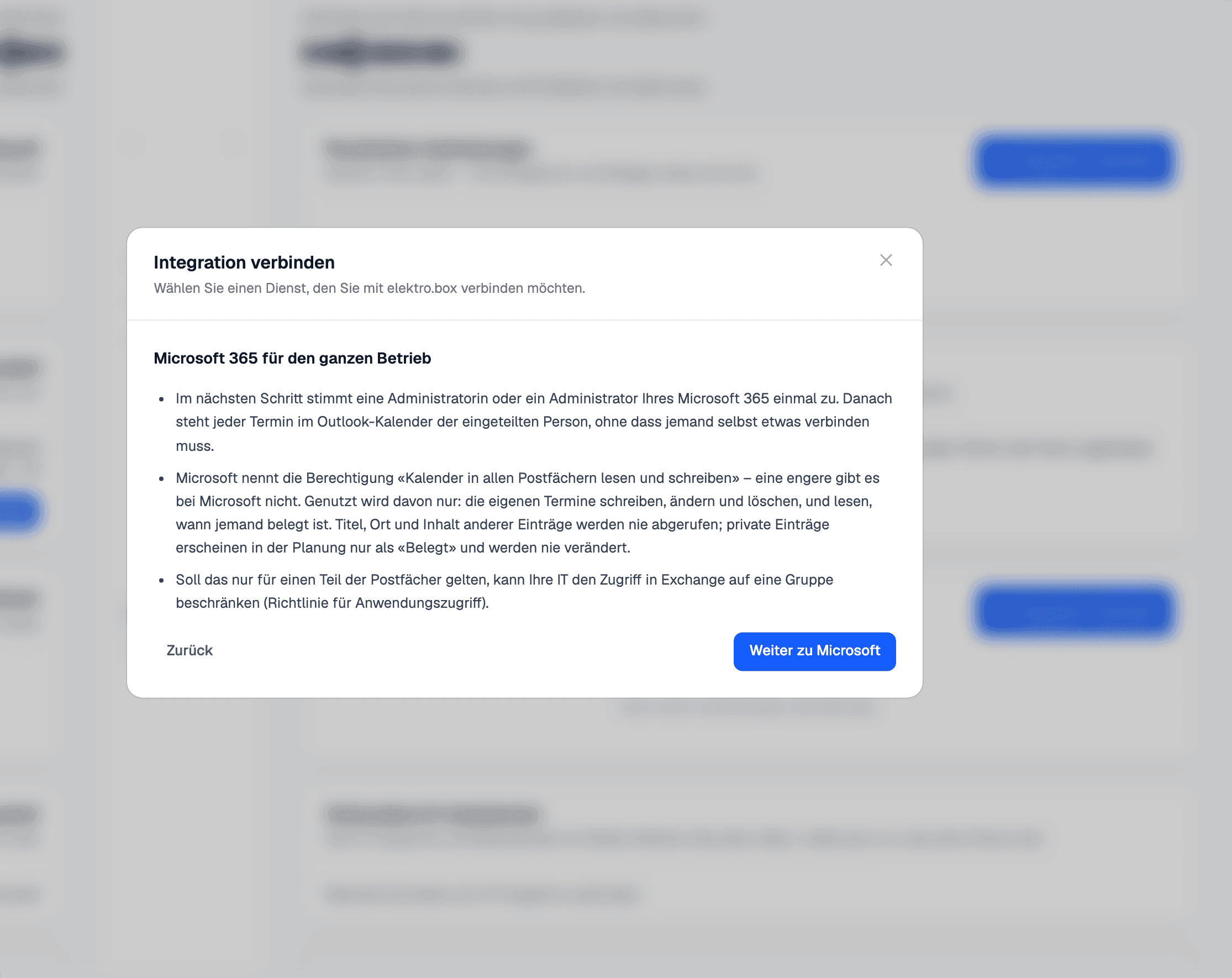
Set up the Microsoft 365 connection under Settings › Integrations.
- 02
Choose a folder
The owner account chooses the OneDrive folder the files should live in.
- 03
File away
From then on the files sync on their own.
What it does not do
Deleting in OneDrive deletes nothing in elektro.box — a file only disappears there when you remove it here.
Where you see it day to day
Show us what you work with today.
45 minutes, at your place or on screen. We go through your programs and tell you what can be connected and what stays as it is.