Email in an electrical business: the enquiry lands on the dossier
Your business gets an inbound address of its own. Whatever you forward there is in the elektro.box inbox — on the order and on the customer, not in one person's mailbox.
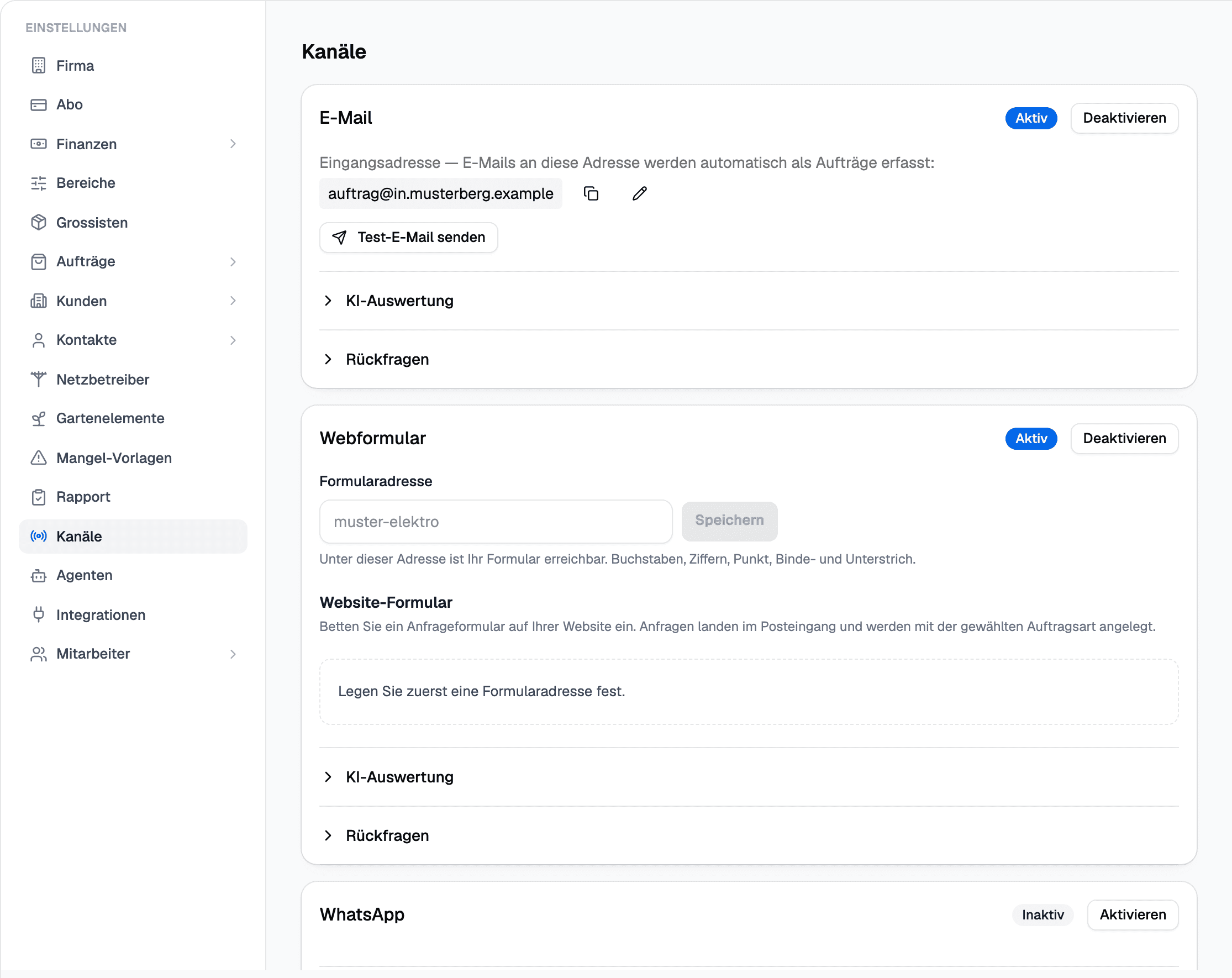
In elektro.box
What the integration does
Forward your orders address to the inbound address. Every message is classified and attached to an order and a customer, and suspected spam is held back.
Supplier invoices go to an address of their own; there they are read and appear under payables.
Data flow
What goes in which direction
From elektro.box to Email
Nothing — this direction deliberately does not exist.
From Email to elektro.box
- Emails you forward to the inbound address, with attachments
Setup
What your business sets up
- 01
Look up the address
Your business's inbound address is under Settings › Channels.
- 02
Forward
In your mail program, set up forwarding from your orders address to this inbound address.
- 03
Test
The test under «Channels» sends a message through from start to finish and shows whether it arrives.
What it does not do
Connecting a mailbox of your own over IMAP and SMTP is not possible at the moment; forwarding is the way.
Where you see it day to day
Show us what you work with today.
45 minutes, at your place or on screen. We go through your programs and tell you what can be connected and what stays as it is.