TWINT
TWINT for electricians: the invoice paid with one tap
A customer who wants to pay after the job does not have to wait for the payment slip. Your invoice carries a TWINT button, and the money goes to your business's account.
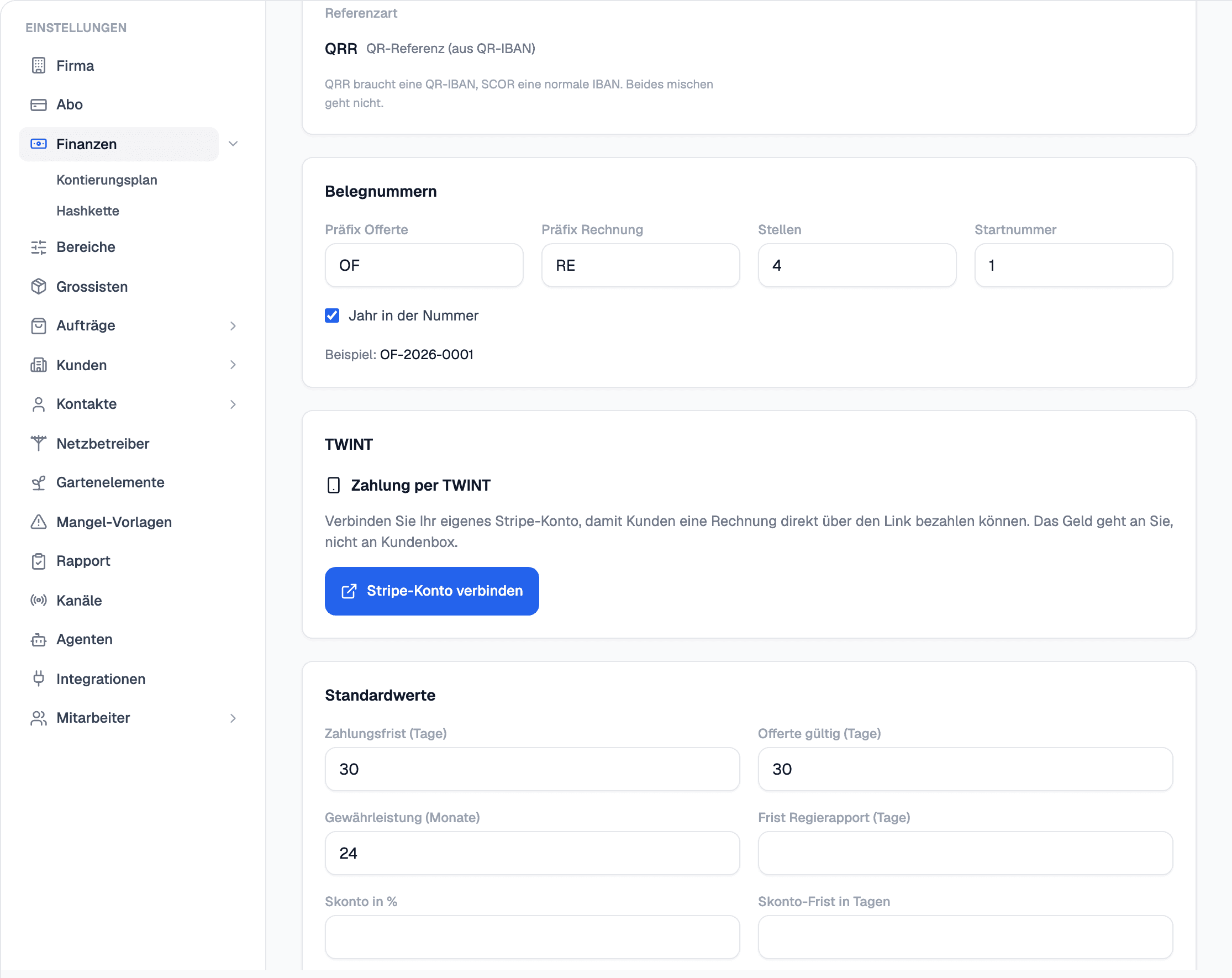
In elektro.box
What the integration does
Beside the QR invoice sits a «Pay with TWINT» button. The customer pays on their phone, and the payment is shown on the invoice.
It is processed through your own Stripe account; the money belongs to your business from the start.
Data flow
What goes in which direction
From elektro.box to TWINT
- The invoice amount as a TWINT payment
From TWINT to elektro.box
- The confirmed payment on the invoice
Setup
What your business sets up
- 01
Connect Stripe
Under Settings › Finances, connect your business's own Stripe account; the account is opened with Stripe.
- 02
Invoice
From then on your invoices carry the TWINT button.
What it does not do
Up to CHF 5'000 per payment and in francs only; above that, the QR invoice remains. TWINT is part of the Pro package.
Where you see it day to day
Related articles
Show us what you work with today.
45 minutes, at your place or on screen. We go through your programs and tell you what can be connected and what stays as it is.