bexio
bexio for electricians: elektro.box leads, bexio books
You keep bexio for the accounting and write quotes, Rapporte and invoices in elektro.box. The invoice goes to bexio as a draft, and the incoming payment comes back onto the Beleg.
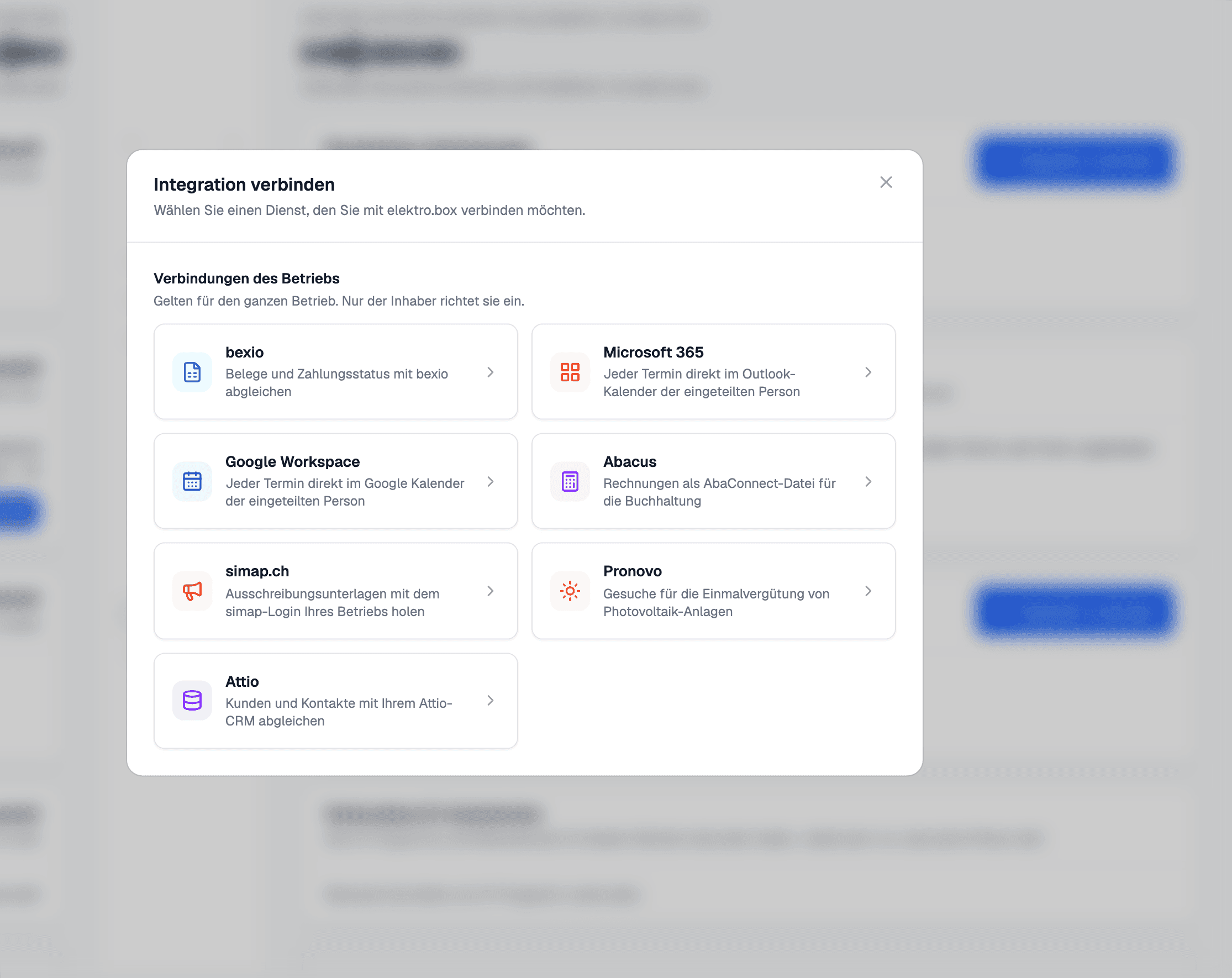
In elektro.box
What the integration does
elektro.box stays in the lead: the Beleg number and the QR reference come from here, and bexio receives a draft and issues nothing itself. So the same invoice never exists twice under two numbers.
You switch on what is synced area by area. If your bexio lacks a module — time tracking, for instance — that area pauses on its own instead of piling up errors.
Data flow
What goes in which direction
From elektro.box to bexio
- Invoices as drafts as soon as they are issued, PDF included
- Quotes
- Expenses, as soon as they are approved (if switched on)
- Projects and work packages with their hours (if switched on)
From bexio to elektro.box
- The status and the payments of every invoice
- Contacts, suppliers and working hours — in both directions
- Employees with AHV number, IBAN and address, with bexio payroll access
- Your articles, taken over once at the start
Setup
What your business sets up
- 01
Connect
Under Settings › Integrations, click «bexio» and sign in to bexio. The connection applies to the whole business; the owner account sets it up.
- 02
Choose areas
In the connection, under «Sync per area», switch on what should go across — invoices and payments, contacts, working hours, suppliers, expenses.
- 03
Carry on working
From then on you write Belege in elektro.box as usual. The sync runs in the background, and its state is shown on the connection.
What it does not do
Wages are not transferred, only the employees' master data. Credit notes, delivery notes and purchase orders stay in elektro.box, and the stock levels from bexio are only read into a reconciliation report, never taken over.
Where you see it day to day
Related articles
Show us what you work with today.
45 minutes, at your place or on screen. We go through your programs and tell you what can be connected and what stays as it is.