Abacus
Abacus for electricians: the invoices as an AbaConnect file
Your accountant books in Abacus, you write invoices in elektro.box. Between the two sits a file: a period's invoices, prepared so that Abacus reads them without rework.
In elektro.box
What the integration does
For a period you choose, elektro.box writes all invoices into an AbaConnect file. Your accountant reads it into Abacus with program 5534.
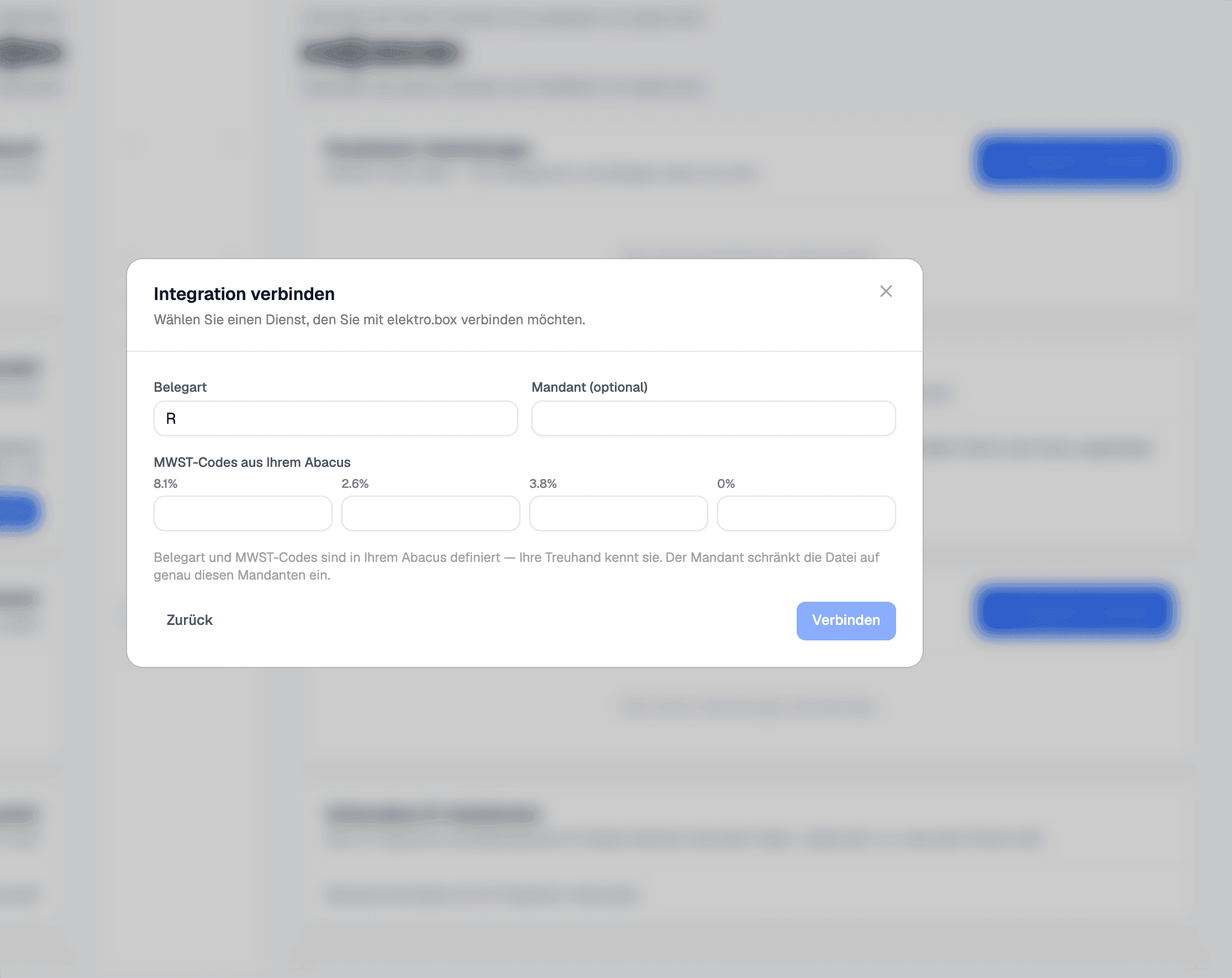
The file carries the document type, the client number if you want it, and the VAT codes your accountant uses for the 8.1, 2.6, 3.8 and 0 per cent rates.
Data flow
What goes in which direction
From elektro.box to Abacus
- The invoices of the chosen period, as an AbaConnect file
From Abacus to elektro.box
Nothing — this direction deliberately does not exist.
Setup
What your business sets up
- 01
Open the tile
Under Settings › Integrations, choose the «Abacus» tile.
- 02
Enter the codes
Enter the document type, optionally the client number, and the VAT code for each rate. Your accountant knows them.
- 03
Get the file
In the connection, choose the from and to dates and download the file. Your accountant reads it into Abacus.
What it does not do
A file, not an interface: nothing is read back from Abacus, and you match incoming payments in elektro.box from the bank statement.
Show us what you work with today.
45 minutes, at your place or on screen. We go through your programs and tell you what can be connected and what stays as it is.