Schoch
From Schoch to elektro.box: your articles come with you
If you switch from Schoch, you do not start with an empty article master. The master data sheet from Schoch is read in, and your own articles and rates are there again.
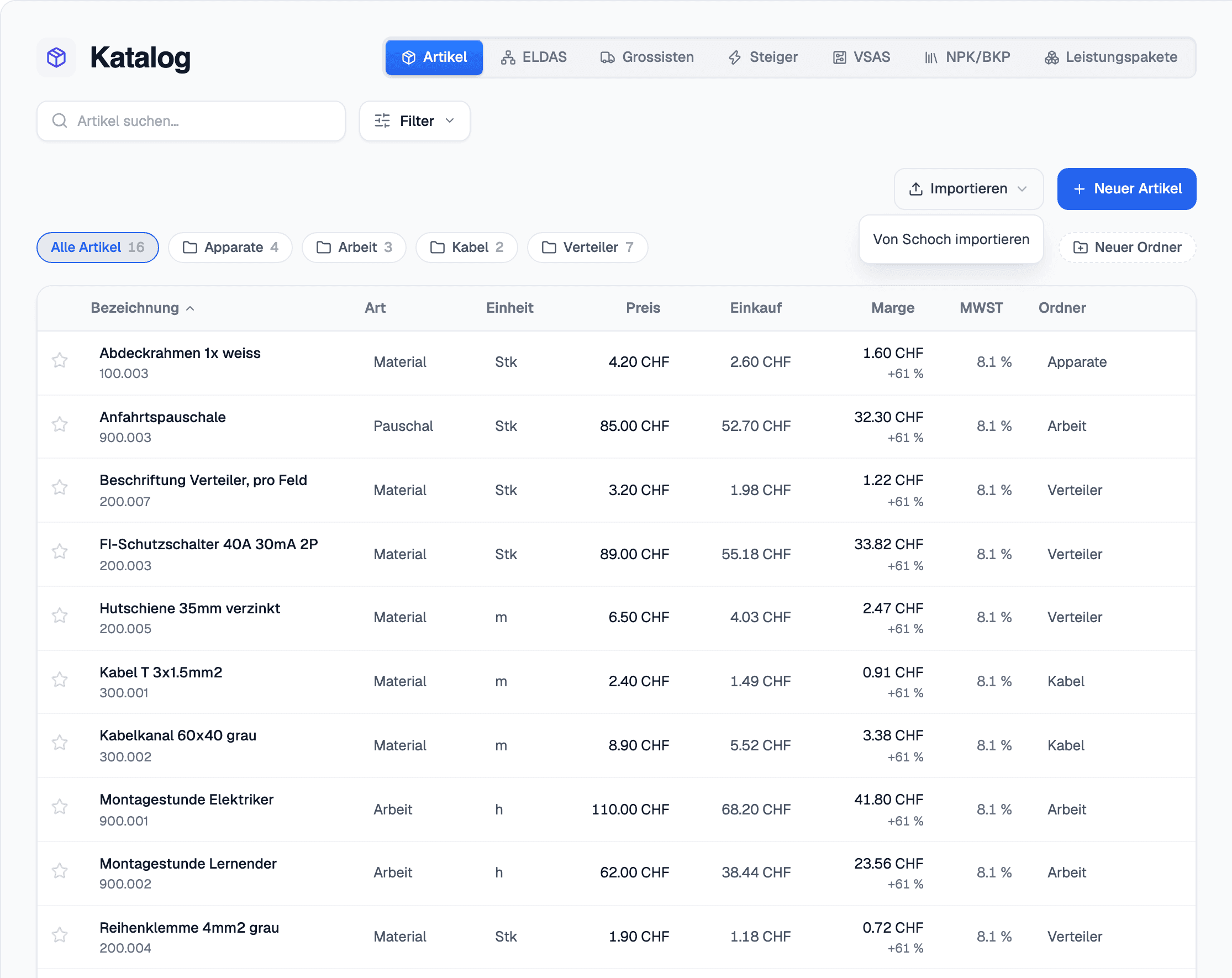
In elektro.box
What the integration does
In the catalogue, under «Import», choose «Import from Schoch» and upload the master data sheet. Articles, labour rates and abbreviations land in your own article master.
A later import updates by article number instead of creating duplicates — so you can read it in several times during a transition period.
Data flow
What goes in which direction
From elektro.box to Schoch
Nothing — this direction deliberately does not exist.
From Schoch to elektro.box
- Your articles, labour rates and abbreviations from the master data sheet
Setup
What your business sets up
- 01
Export in Schoch
Export your business's master data sheet from Schoch.
- 02
Read it in
In elektro.box, choose «Import» › «Import from Schoch» in the catalogue and upload the file, up to 5 MB.
- 03
Check
The articles are then in your article master and can be picked in every quote.
What it does not do
What is taken over is the article master, not the Belege, the customers or your history from Schoch. You read the customers in separately as CSV or Excel.
Where you see it day to day
Related articles
Show us what you work with today.
45 minutes, at your place or on screen. We go through your programs and tell you what can be connected and what stays as it is.