Otto Fischer
Otto Fischer: the shopping list straight into the basket
The quote knows what you need. From its shopping list, elektro.box fills your basket at Otto Fischer — at your prices and with the commission attached.
In elektro.box
What the integration does
From a Beleg's shopping list you send the positions to Otto Fischer. The basket in your own Otto Fischer account fills with your prices.
The Beleg number goes along as the commission — from a Rapport, the order number — so that the delivery later finds its way back to the order.
Data flow
What goes in which direction
From elektro.box to Otto Fischer
- The shopping list's positions, with the Beleg number as the commission
From Otto Fischer to elektro.box
- Your prices from your own Otto Fischer account
Setup
What your business sets up
- 01
Enter your login
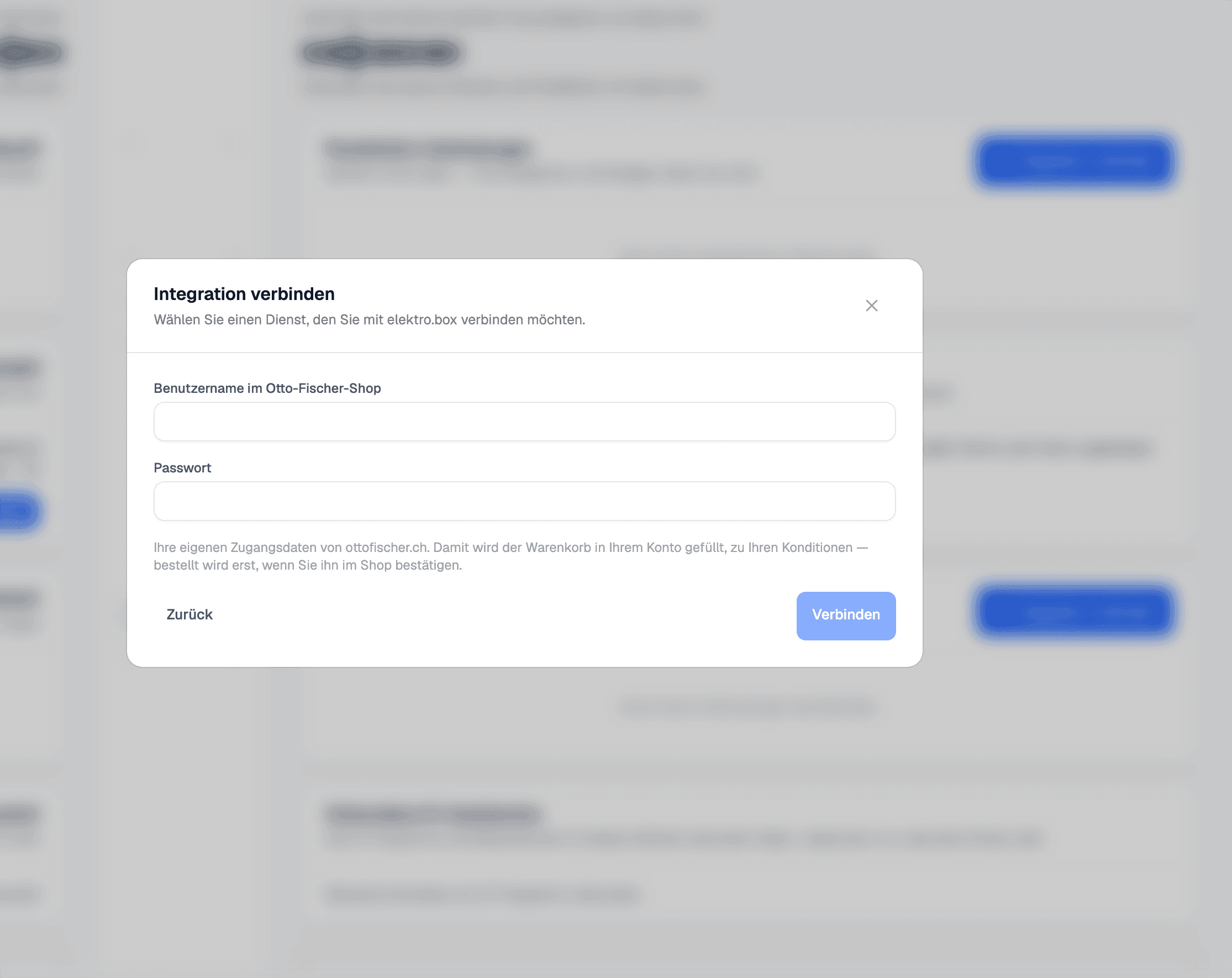
Under Settings › Integrations or under «My account», choose the «Otto Fischer» tile and enter your own ottofischer.ch login. The connection is per person.
- 02
Open the shopping list
Open the shopping list in the Beleg and send it to Otto Fischer.
- 03
Confirm in the shop
Check the basket in the Otto Fischer shop and place the order there.
What it does not do
elektro.box puts items in the basket but does not order by itself. You confirm the order in the Otto Fischer shop.
Where you see it day to day
Show us what you work with today.
45 minutes, at your place or on screen. We go through your programs and tell you what can be connected and what stays as it is.