HR
HR for electrical businesses: from the first day to the annual review
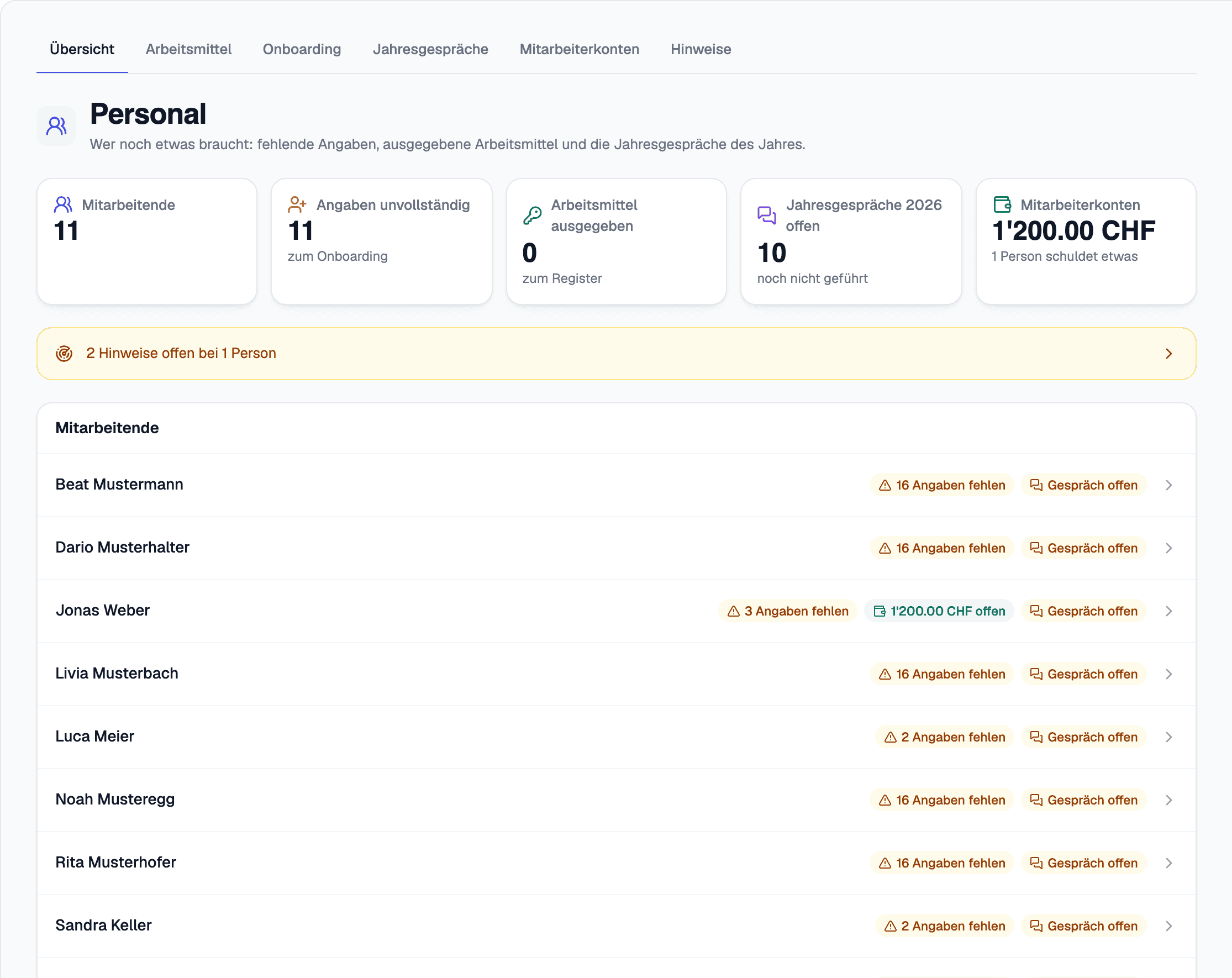
A new starter fills in their own personal details, through a link. What has been handed out stays in the register until it is back, and the annual review starts from the figures already recorded.
What you do with it
From the first day to the annual review
Onboarding through a link
Personal details filled in by the employee, ID and permit stored encrypted, completeness at a glance.
Equipment
Tools, keys, laptop and vehicle, with hand-out and return logged, plus the return checklist when somebody leaves.
Annual review and employee account
One annual review per person and year, as a PDF. Advances, private purchases and damage go on the employee account and are set off through payroll.
Signals, not a verdict
Signals on overtime, holidays, maximum working hours and permits are a reason for a conversation. The fines register suggests who was driving; a dedicated HR role decides who sees it.
Everything in this area
- HR overview
- Onboarding new employees
- Personal details filled in by the employee, through a link
- ID and permit, stored encrypted
- Completeness at a glance
- Equipment: tools, keys, laptop, vehicle
- Hand-out and return, logged
- A return checklist when somebody leaves
- An annual review per person and year
- The annual review as a PDF
- Employee account: advances, private purchases, damage
- Set off through payroll
- A fines register for company vehicles
- Who was driving, suggested from the hand-over, the hours and the appointments
- Signals on overtime, vacation, maximum working hours and permits
- A dedicated HR role
Better seen than read
45 minutes using one of your jobs: from capture on site through to the certificate and invoice.